Types of Audio Visualizers: 9 Styles Explained
Types of Audio Visualizers: 9 Styles Explained
Audio visualizers come in two families: analysis visualizers that show what the sound is doing (waveforms, spectrums, spectrograms, meters), and artistic visualizers that use the sound to drive graphics (circles, particles, 3D scenes, shaders). Most music videos mix both: a spectrum or waveform for the "it is listening" feel, plus a background and effects that react to the bass.
Below are the nine types you will meet most often, what each one shows, and where it works best.
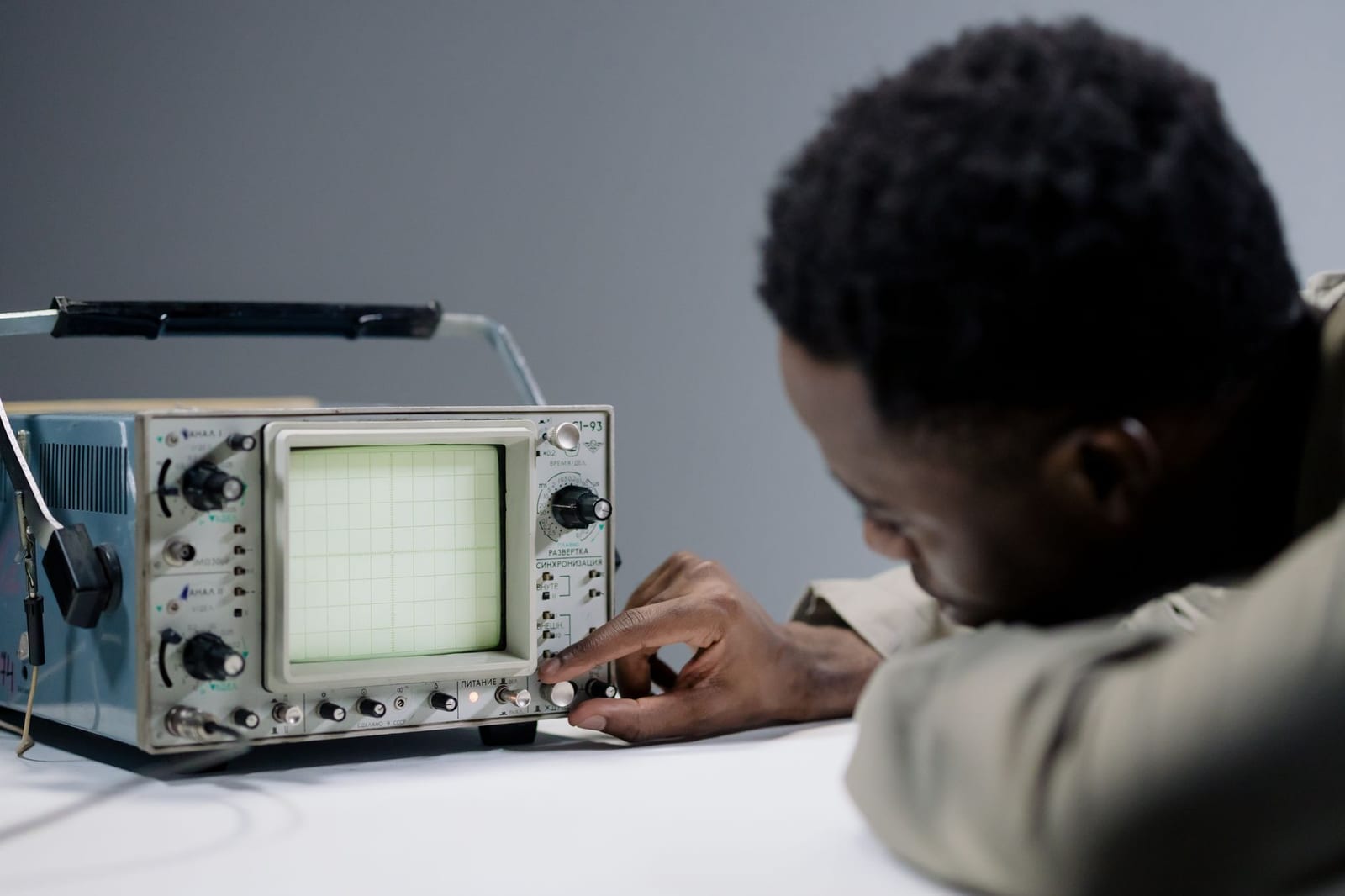 Photo: cottonbro studio on Pexels
Quick answer: the 9 types
- Bar spectrum – vertical bars, one per frequency band.
- Waveform / oscilloscope – the shape of the sound wave over time.
- Spectrogram (waterfall) – frequency over time as a colour map.
- Level meters (VU, peak) – how loud, not what frequencies.
- Vectorscope / Lissajous – stereo image as a moving shape.
- Circular spectrum – bars or a line wrapped around a circle.
- Particle systems – dots, sparks or snow pushed by the beat.
- 3D scenes – terrain, tunnels, galaxies moving with the music.
- Shader and generative visuals – GPU-drawn patterns, like MilkDrop or GLSL shaders.
The types compared
| Type | Family | Shows | Best for | Readability on a phone |
|---|---|---|---|---|
| Bar spectrum | Analysis / artistic | Energy per frequency | EDM, hip-hop, any genre | High |
| Circular spectrum | Artistic | Energy per frequency around an image | Bass music, cover-art videos | High |
| Waveform | Analysis | Amplitude over time | Podcasts, audiograms, acoustic | High |
| Spectrogram | Analysis | Frequency over time | Sound design, education | Low |
| Level meter | Analysis | Loudness | Mixing, broadcast overlays | Medium |
| Vectorscope | Analysis | Stereo width and phase | Mixing, retro looks | Low |
| Particles | Artistic | Beat energy | Ambient, lofi, melodic | Medium |
| 3D scene | Artistic | Beat energy, motion | Synthwave, techno | Medium |
| Shader / generative | Artistic | Anything the code maps | Live visuals, experimental | Varies |
Analysis visualizers
1. Bar spectrum
The classic. The audio is split into frequency bands (with an FFT), and each band becomes a bar whose height follows its energy. Bass on the left, treble on the right. It is the clearest way to show a track's punch. Our spectrum analyzers in music post covers how they work.
2. Waveform / oscilloscope
Draws the sound wave itself. A scrolling waveform is the standard for podcast audiograms because speech shows up clearly. Try the waveform video maker or podcast visualizer. A frozen waveform of a whole song makes good wall art: see the sound wave art generator.
3. Spectrogram (waterfall)
Time runs along one axis, frequency along the other, and colour shows energy. Brilliant for analysis (you can see a vocal's harmonics), but busy as a music video.
4. Level meters
VU and peak meters show loudness. In videos they work as small overlays, for example on a live stream.
5. Vectorscope / Lissajous
Plots left channel against right. Mono audio draws a line; wide stereo blooms into shapes. Engineers use it to check phase; artists use it for retro oscilloscope art.
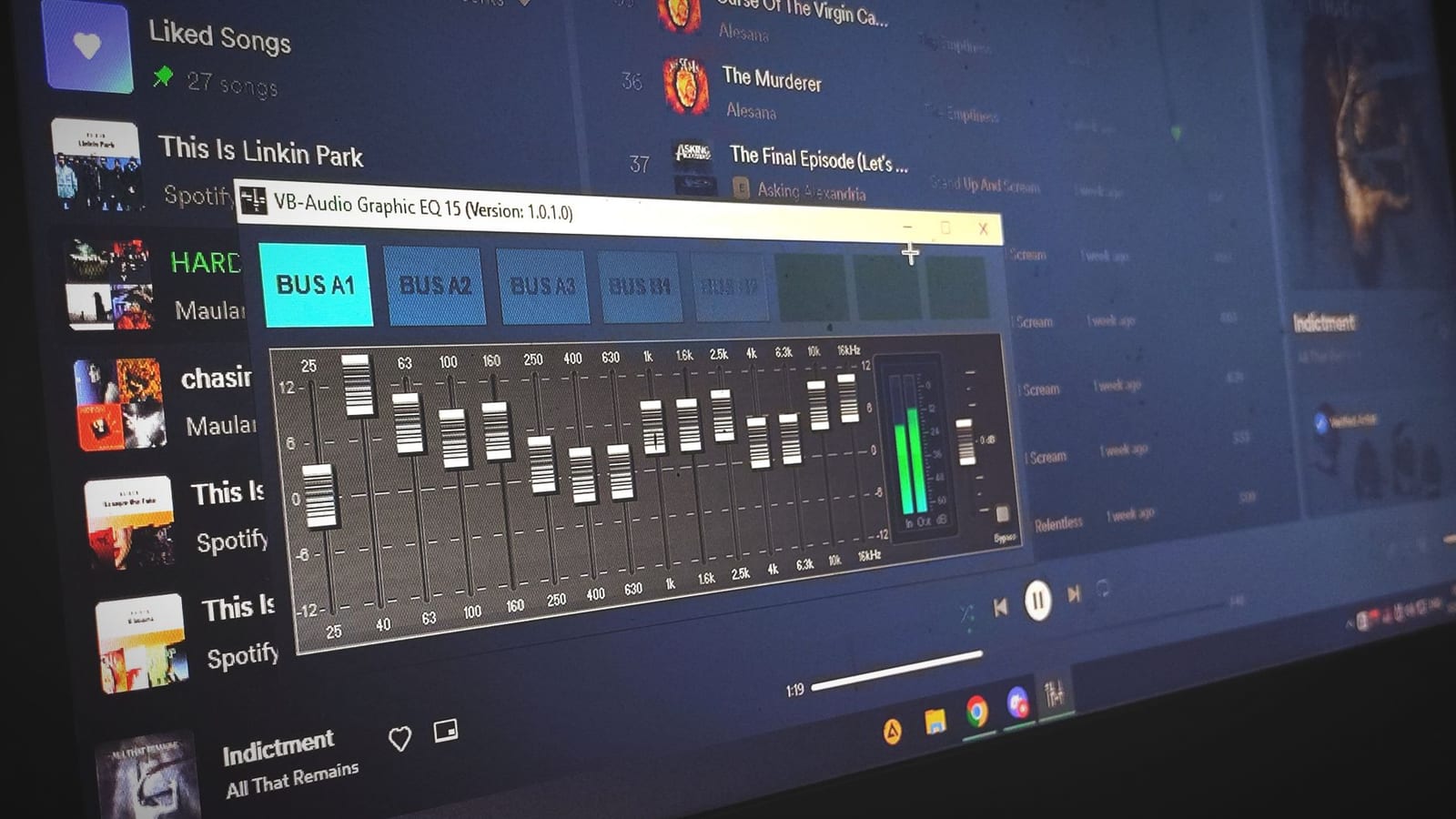 Photo: Kenji Ogami on Pexels
Artistic visualizers
6. Circular spectrum
The spectrum wrapped around a centre image, popular on EDM channels. See EDM channel visualizer styles.
7. Particle systems
Thousands of small points pushed outward on each kick, drifting on the quieter parts. Suits lofi, ambient and melodic tracks.
8. 3D scenes
Terrain that ripples with the bass, tunnels that speed up on the drop, rotating vinyl or galaxies. More cinematic, heavier to render.
9. Shader and generative visuals
Patterns drawn per pixel on the GPU. MilkDrop presets and GLSL shaders on sites like Shadertoy are in this family. People search for "shader music" when they want this look. Learn more in GLSL shaders for music visualization.
Real-time vs rendered
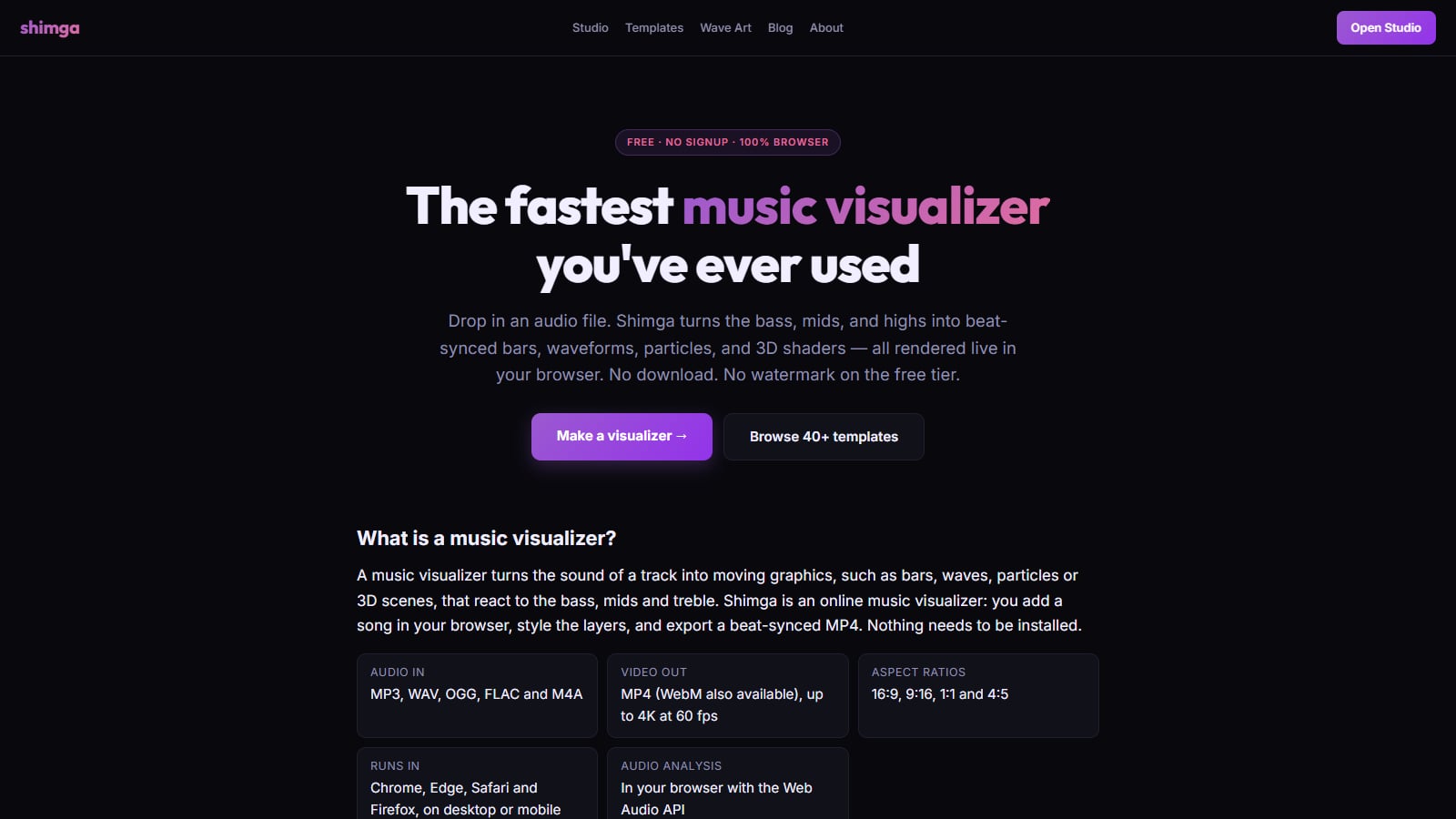
Any of these types can run in real time (reacting to live audio on a screen, as in VJ software or a media player) or be rendered to a video file. Shimga renders video files from an audio file; it is not live VJ software. For live shows see real-time DJ visuals: free vs paid.
What is the best tool to make waveform or beat-reactive videos?
Pick a tool that lets you combine types, because a good music video is rarely one visualizer alone. A typical layer stack:
- A background (photo, video or 3D scene).
- A main visualizer (bars, circle or waveform).
- Particles or effects on the highs.
- Cover art, artist and title.
- Optionally a Time element (progress bar or clock).
 Screenshot: shimga.app/music-visualizer, October 2026
Build a layered visualizer with Shimga
- Open the studio. No install or account needed for standard exports.
- Choose a preset that matches one of the types above, or open a community template.
- Add your song (MP3, WAV, OGG, FLAC, M4A).
- Add or remove layers: try a waveform plus particles, or a circle spectrum over a 3D scene.
- Set what reacts to what: bass to scale, mids to the spectrum, highs to particles. See audio frequency reactivity.
- Export MP4 in 16:9, 9:16 or 1:1. Free up to 4K/60 fps and 5 minutes, no watermark (as of October 2026).
Matching visualizer types to genres
| Genre | Good main visualizer | Supporting layers |
|---|---|---|
| EDM, trap, dubstep | Circular or bar spectrum | Particles, bass shake |
| Hip-hop | Bar spectrum or waveform | Cover art, bold title |
| Lofi, ambient | Thin waveform | Slow particles, grain |
| Rock, indie | Waveform or bars | Band photo, text |
| Synthwave, techno | 3D terrain or tunnel | Neon spectrum |
| Podcasts, spoken word | Waveform | Title, host photo, progress bar |
These are starting points, not rules. Try two types on the same song and keep the one that matches its energy.
FAQ
What are the main types of audio visualizers?
Bar spectrums, circular spectrums, waveforms, spectrograms, level meters, vectorscopes, particle systems, 3D scenes and shader-based generative visuals.
What is the difference between a waveform and a spectrum visualizer?
A waveform shows loudness over time. A spectrum shows how much energy is in each frequency band right now. Waveforms suit speech; spectrums suit music with strong bass.
Which visualizer type is best for YouTube music videos?
A bar or circular spectrum over a strong background, with your cover art and title. It reads clearly at small sizes.
Which type is best for podcasts?
A waveform with the episode title and a host photo. See our podcast visualizer templates.
What is a shader music visualizer?
One drawn by GPU code (a shader) that turns audio values into colour and motion per pixel, like MilkDrop presets or Shadertoy-style effects.
Can I combine several visualizer types in one video?
Yes, and it usually looks better. Layer-based studios like Shimga let you stack a background, a spectrum, particles and text.
Related reads
Last updated: October 2026.