Audio Waveform Generator Online: Image or MP4 Video
Update, 20 November 2026: Shimga's free exports now go up to 720p at 30 fps with a small "Made with shimga.app" watermark, and Pro elements and templates are included. 1080p to 4K, 60 fps, exports without the watermark and videos over 5 minutes need Shimga Pro or credits. Where this article mentions free 4K or no watermark, it describes the earlier free tier.
Short answer: An audio waveform generator turns an audio file into a picture or a video of its sound. For an animated MP4, open Shimga Studio, add your track, pick a waveform or spectrum, choose 16:9, 9:16 or 1:1 and export. Standard free up to 720p at 30 fps with a small watermark (Pro up to 4K/60 fps), with no watermark and no sign-in. For a still print, use the Sound Wave Art Generator.
Last updated November 2026.
Make a waveform video in 5 steps
Shimga runs in your browser with no install. You can build, preview and export a standard video without signing in or paying.
- Open Shimga Studio and add your audio file (MP3, WAV, FLAC, OGG or M4A).
- Pick a style: audio wave, bar spectrum, circular spectrum, particles or a ready-made preset from the templates gallery.
- Set the canvas to 16:9 (YouTube), 9:16 (Reels, TikTok, Shorts), 1:1 (feed posts) or another size under More sizes.
- Style it: choose colours that match your artwork, add a logo or cover image, and adjust sensitivity until the movement feels right.
- Preview the whole track, then export the MP4. Audio is included in the file.
Want a dedicated page for this? The Waveform Video Maker opens the same studio with a waveform-first setup.
What is an audio waveform generator?
An audio waveform generator reads the amplitude (and, in better tools, the frequency) data of an audio file and draws it as a picture or a video. A waveform is a graph of loudness over time: loud moments are tall peaks and quiet moments sit near the baseline. A generator styles that data as bars, lines, circles or particles so it looks good on screen. New to the idea? Read what a waveform is.
The practical reason people use one is that YouTube, Instagram and TikTok are built around video. A podcast episode, a beat or a DJ mix needs something moving on screen to be uploaded and watched there. A waveform visual provides that without any footage.
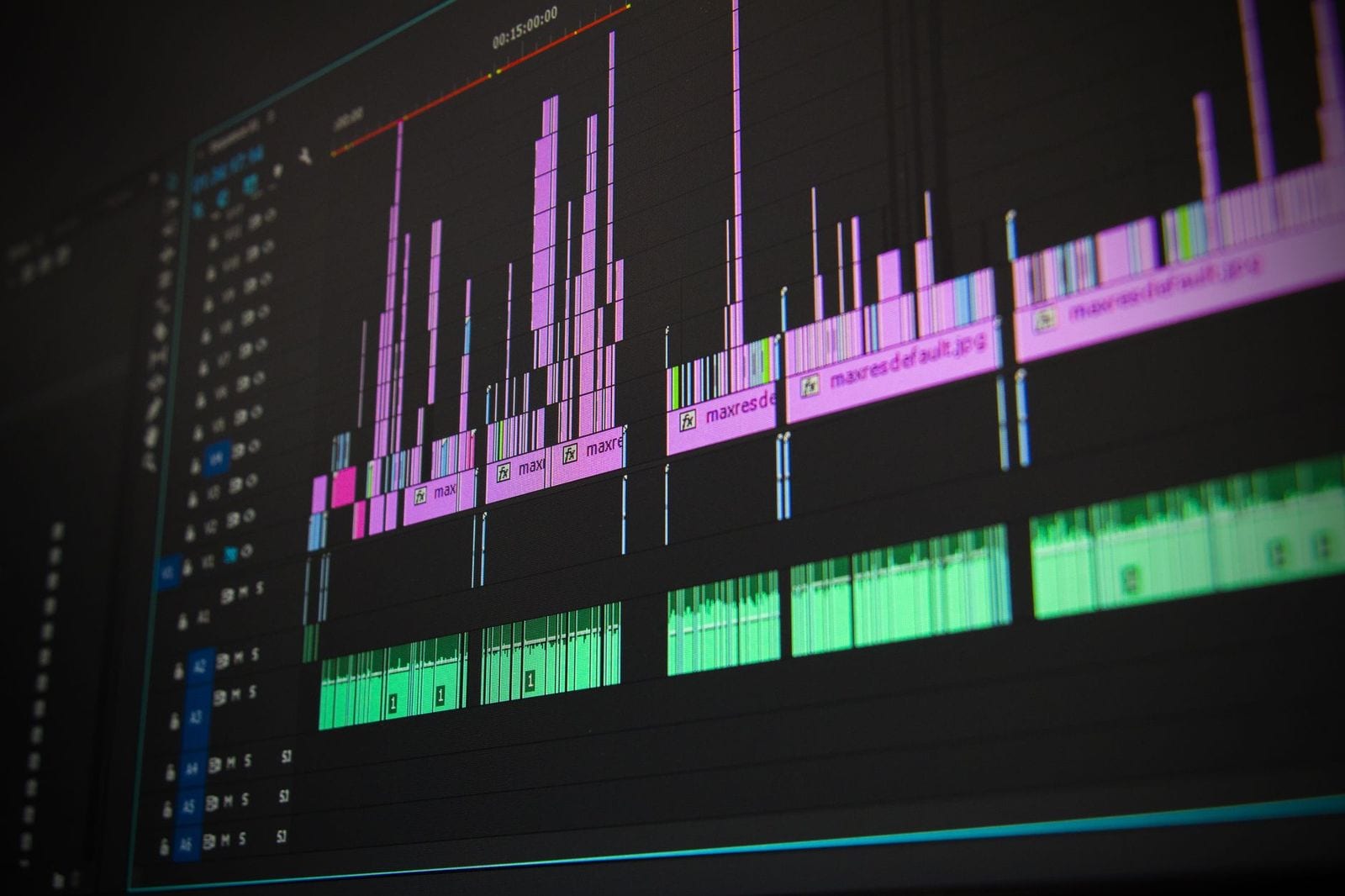
Photo: Pixabay on Pexels
Output formats: which file do you need?
| You want | Shimga tool | Formats | Sizes | Cost today |
|---|---|---|---|---|
| A music or podcast video that reacts to the audio | Shimga Studio | MP4 with audio | 480p to 4K, 24/30/60 fps, any aspect ratio | Free without Pro features, up to 5 minutes |
| A short animated clip of a waveform design | Wave art editor | MP4, WebM, GIF | 1080x1080, 1080x1920, 1920x1080; up to 60 s | Paid download, like a print |
| A still waveform print or image | Wave art editor | PNG (transparent option), JPG, SVG, PDF | Print sizes at 300 DPI | Free to design and preview; downloads from $3.99 |
| A podcast audiogram | Podcast visualizer | MP4 with audio | 16:9, 9:16 or 1:1 | Free without Pro features, up to 5 minutes |
GIF has no sound and is capped at 600 px, 15 fps and 30 seconds in the wave art editor. Use MP4 whenever you need audio.
Static waveform art or animated waveform video?
Pick the output by where you will use it.
| Static waveform art | Animated waveform video | |
|---|---|---|
| Output | Image (PNG, JPG, SVG, PDF) | MP4 video with audio |
| Use for | Posters, album art, gifts, merch, profile images | YouTube uploads, Reels, TikTok, Shorts, Spotify Canvas, audiograms |
| Shimga tool | Sound Wave Art Generator | Shimga Studio (see also Waveform Video Maker) |
If you are unsure, start with the animated version. You can always take a still from a video, but you cannot animate a static image. For a still-art walkthrough, read the sound wave art tutorial.
Where are waveform visuals used?
- YouTube uploads: podcasts, DJ sets, ambient music and audio essays need a video track; a looping visualizer is the standard answer. See the YouTube music visualizer.
- Spotify Canvas: a 3 to 8 second vertical loop behind a track. See the Spotify Canvas guide.
- Reels, Shorts and TikTok: short 9:16 clips with the waveform moving over cover art.
- Podcast audiograms: a quote or title with a bouncing waveform. See podcast audiograms.
- Album artwork and merch: static waveform prints of a track.
Screenshot: shimga.app
What should you look for in a waveform generator?
- Real frequency analysis. Tools that read frequency bands look more musical than ones that only follow overall volume. See spectrum analyzers explained.
- Export quality and plan limits. Check the maximum resolution, whether a watermark is added, length caps and any per-export fees on the current plan.
- Aspect ratios. You want 16:9 for YouTube, 9:16 for Reels and Shorts, and 1:1 or 4:5 for feed posts.
- Audio in the export. Some tools produce a silent video you must merge yourself.
- Customization. Colours, background, bar thickness, sensitivity and a logo layer matter more than the number of presets.
How do you make a waveform video with Shimga?
The five steps at the top of this page are the whole process. A few details help:
- What is free: exports are currently free up to 720p at 30 fps, with a small watermark and no sign-in; Pro goes up to 4K at 60 fps.
- What needs Pro: videos longer than 5 minutes, Pro elements (such as the newer Circle Spectrum, 3D scenes and advanced FX) and Pro templates. Pro is $5 a month or $48 a year with a 7-day trial, $3 for 6 Pro exports (credits, valid for a year), or Lifetime: one payment, no renewals.
- Render time: the video renders on your own computer, so time depends on your hardware, the length and the resolution.
The audio tools help before you start: the BPM Finder measures tempo, the Audio Trimmer cuts a track to length and the Loudness Normalizer lifts quiet files so the waveform moves more.

Photo: Guillaume Meurice on Pexels
Tips for better-looking waveform visuals
- Keep the palette tight. Two or three colours; a bright accent on a near-black background is the safest combination.
- Tune sensitivity. If the waveform barely moves in loud sections, raise it; if it clips at peaks, lower it.
- Check on a phone. What looks good on a monitor can look muddy on a small screen.
- Use a highlight for social. A one to two minute clip uploads faster and suits feeds better than a full track.
- Export MP4, not GIF. GIFs are limited to 256 colours, carry no audio and are much larger than the same clip as MP4.
Frequently asked questions
Is there a free audio waveform generator?
Yes, for video. In Shimga Studio, exports are currently free up to 720p at 30 fps, with a small watermark and no sign-in (Pro elements included; Pro goes up to 4K), for videos up to 5 minutes. Still waveform prints from the wave art editor are free to design and preview; clean downloads are paid, from $3.99.
Can I use a waveform generator without creating an account?
Yes. You can open Shimga Studio, load audio, design and export a standard MP4 without an account. A sign-in is only needed for Pro features.
What audio formats does Shimga support?
MP3, WAV, OGG, FLAC and M4A. If your file is in another format, convert it first with the Audio Converter.
What is the difference between a waveform visualizer and a spectrum analyzer?
A waveform shows amplitude over time, like the shape you see in a DAW. A spectrum analyzer splits audio into frequency bands and shows which are active, usually as bars from bass to treble. Many visualizers combine both so waveform-shaped graphics react to frequency data.
Can I make a still waveform image as well as a video?
Yes. Use the Sound Wave Art Generator for still waveform artwork, and Shimga Studio for animated MP4 videos.
Does the export include a watermark?
No. Shimga does not add a watermark to video exports.
Make your first waveform video
Drop in an audio file, choose a style and export an MP4.
Open Shimga Studio →