Podcast Visualizer Template: 6 Layouts That Work
Podcast Visualizer Template: 6 Layouts That Work
A good podcast visualizer template has four parts: your show artwork, the episode title, an animated waveform that moves with the voices, and a format that fits the platform (16:9 for YouTube, 9:16 for Reels and TikTok, 1:1 for the feed). Build it once, save it, and every new episode becomes a two-minute job: swap the audio and the title, export.
Below are six layouts that work, what each needs, and how to set one up in Shimga's podcast visualizer.
 Photo: Alpha En on Pexels
Quick answer
- Full episode on YouTube: 16:9, show art on the left, title and waveform on the right.
- Short clip for Reels, Shorts, TikTok: 9:16, big waveform in the middle, title on top, space at the bottom for captions.
- Feed post for Instagram or LinkedIn: 1:1 quote card with a small waveform.
- Interview shows: split layout with two guest photos.
- Make one reusable template, then change only audio and title per episode.
- Length: Shimga's free exports cover clips up to 5 minutes with no watermark and no account (as of October 2026). Full episodes longer than that need Pro.
Six podcast visualizer template layouts
| Layout | Ratio | Best platform | Key elements | Clip length |
|---|---|---|---|---|
| 1. Classic episode | 16:9 | YouTube | Cover art, title, waveform, progress bar | Full episode |
| 2. Vertical clip | 9:16 | Reels, Shorts, TikTok | Waveform, title, caption zone | 30 to 90 seconds |
| 3. Quote card | 1:1 | Instagram feed, LinkedIn | Pull quote, small waveform, logo | 15 to 60 seconds |
| 4. Guest split | 16:9 or 1:1 | YouTube, LinkedIn | Two photos, names, shared waveform | Clip or full |
| 5. Minimal bar | Any | Anywhere | Thin waveform line, show name | Any |
| 6. Series branded | Any | All channels | Fixed colours, logo, episode number | Any |
1. The classic episode layout (16:9)
Show artwork on one side, episode number and title on the other, a waveform underneath. Add a Time element as a progress bar so viewers can see how far in they are.
2. The vertical clip (9:16)
For Shorts, Reels and TikTok. Put the title at the top, the waveform in the centre, and leave the bottom third clear: platform buttons and captions sit there. Pick your best 30 to 90 seconds, not the intro.
3. The quote card (1:1)
A single strong sentence from the episode as large text, with a small waveform underneath and your logo in a corner. It works on LinkedIn, where square video fits the feed.
4. The guest split
Two circular photos, names under each, one shared waveform. It tells viewers at a glance that this is a conversation.
5. The minimal bar
A thin waveform line along the bottom and the show name. Good for long ambient or narrative shows where you do not want motion to distract.
6. The series-branded template
Not a layout so much as a rule: same colours, same fonts, same logo position on every episode. Viewers recognise your show in the feed before they read the title.
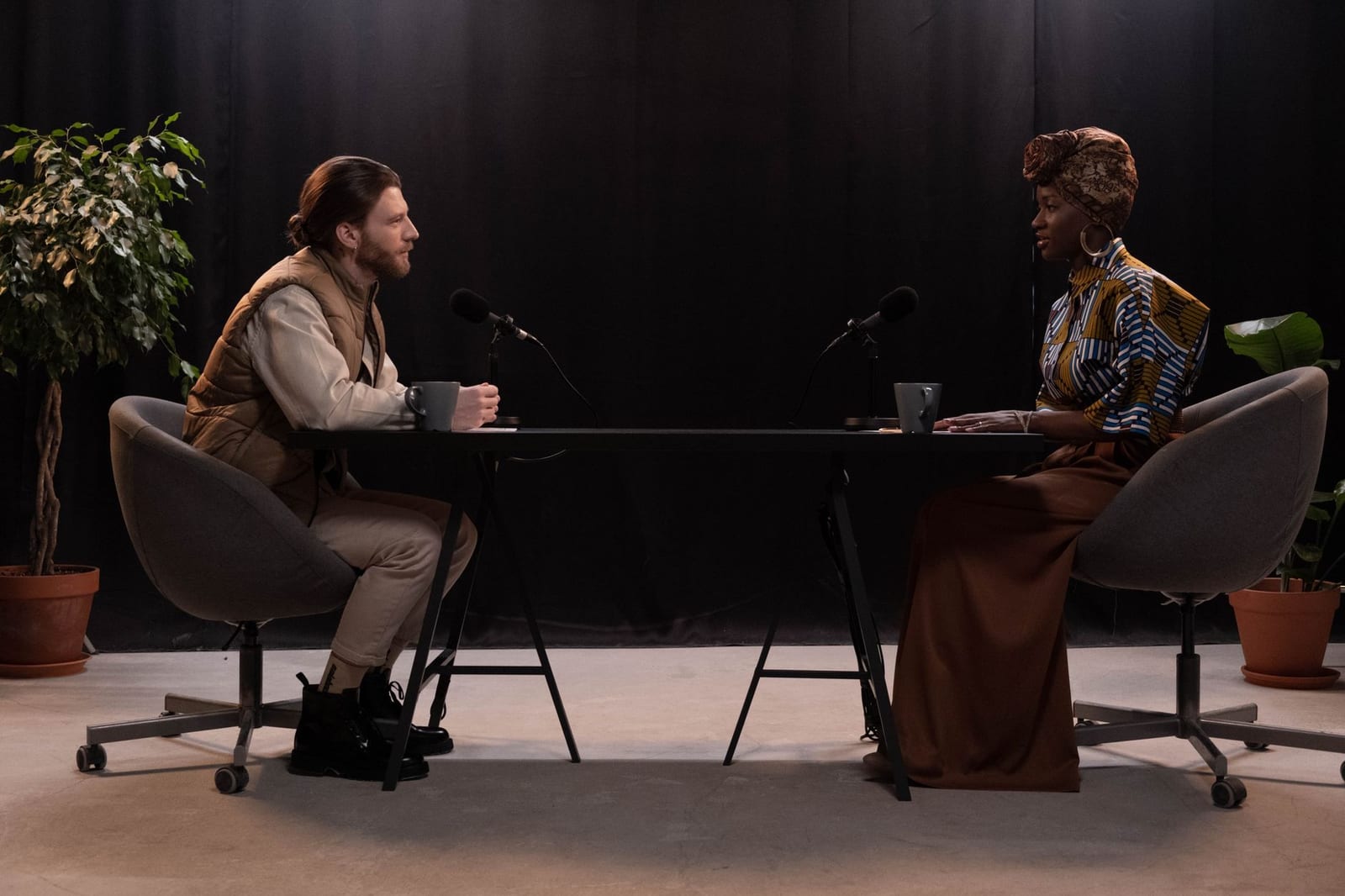 Photo: cottonbro studio on Pexels
What makes a podcast template look professional
- A waveform, not a club spectrum. Speech has less bass than music; a waveform or a soft bar line reads better than bouncing EDM bars.
- Calm reactivity. Lower the sensitivity so the waveform breathes rather than jumps.
- Readable type. Titles should be readable on a phone held at arm's length.
- Contrast. Light text on a dark background, or the reverse. Avoid busy photos behind text.
- Normalised audio. Loudness differences between episodes show up as a waveform that is tiny one week and huge the next. Shimga's free loudness normalizer can even them out.
How to build a reusable podcast template in Shimga
- Open the podcast visualizer or go straight to the studio.
- Pick a starting design from the presets or Templates.
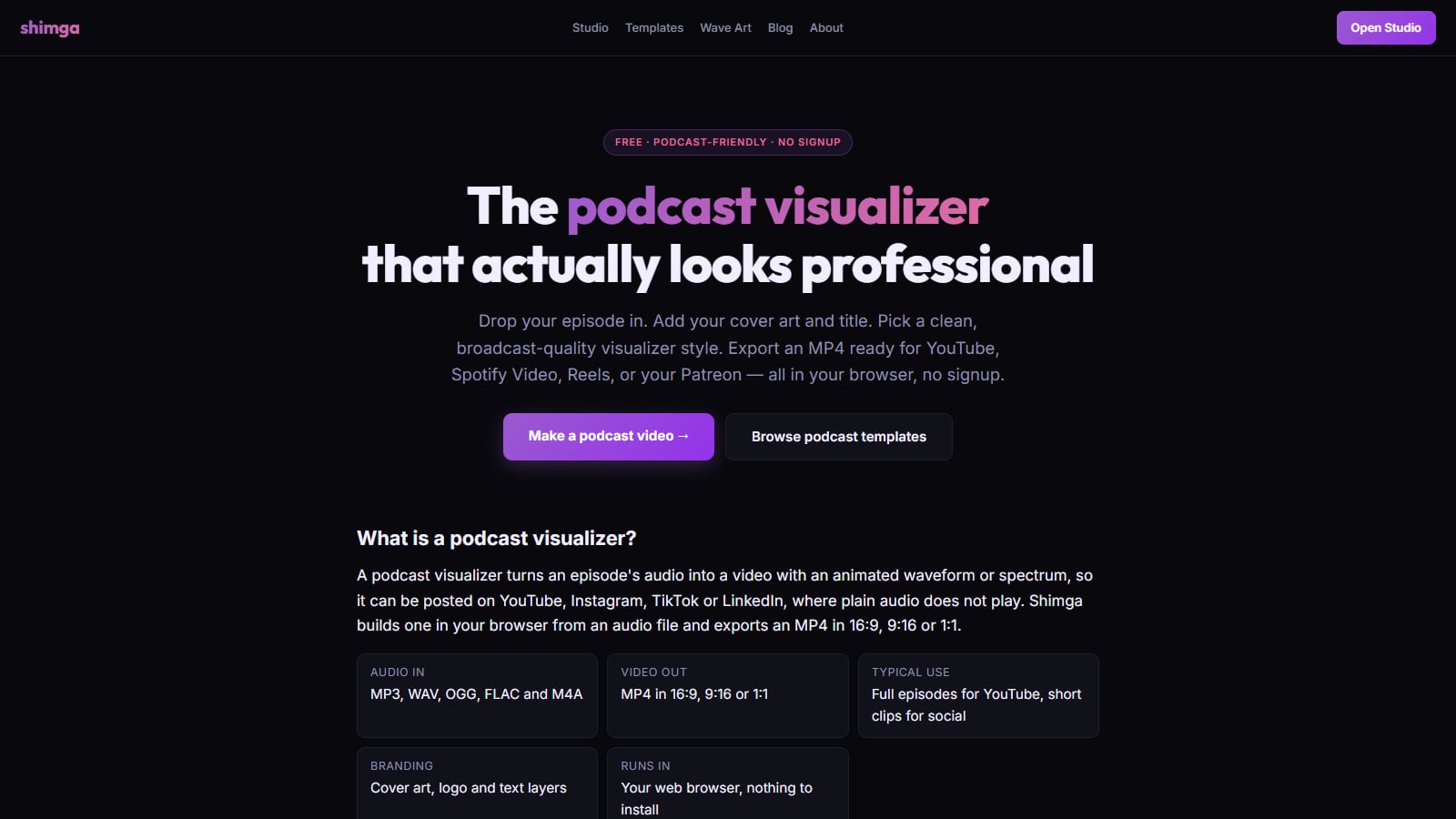
- Add your episode audio (MP3, WAV, OGG, FLAC or M4A). Audio is analysed in your browser.
- Add show art, episode title and logo. Add the Time element for a progress bar or running clock.
- Tune the waveform: lower sensitivity and more smoothing for speech.
- Save it as a template (sign in to save to the cloud; you can keep it private).
- Export MP4 in 16:9, 9:16 or 1:1.
- Next episode: open your template, swap audio and title, export again.
 Screenshot: shimga.app/podcast-visualizer, October 2026
Clip or full episode?
| Goal | Export |
|---|---|
| Grow on Shorts, Reels, TikTok | Several 9:16 clips per episode |
| Be searchable on YouTube | Full episode in 16:9 |
| Promote on LinkedIn | 1:1 quote card clip |
| Spotify video podcasts | Check Spotify for Creators' current video specs |
On Shimga, clips up to 5 minutes export free, no watermark. Full episodes longer than 5 minutes are a Pro feature (Monthly $5, Yearly $48 or Lifetime, as of October 2026). Trim clips first with the free audio trimmer.
Podcast template mistakes to avoid
- Too much motion. A jumpy spectrum makes a calm conversation feel frantic.
- Tiny text. If you cannot read the title on a phone, nobody will.
- No show branding. Viewers on social often do not know your show yet. Put the show name on every clip.
- Starting clips at the beginning. The first 30 seconds of an episode are rarely the best 30 seconds. Clip the moment someone says something surprising.
FAQ
What is a podcast visualizer template?
A saved video design with your show art, title and an animated waveform, ready for new episode audio. You change the audio and title, and export.
Where can I find a free podcast visualizer template?
Shimga's podcast visualizer and templates give you starting designs. Standard exports up to 5 minutes are free with no watermark and no sign-up, as of October 2026.
What size should a podcast video be?
16:9 (1920×1080) for YouTube, 9:16 (1080×1920) for Reels, Shorts and TikTok, and 1:1 (1080×1080) for feed posts. See aspect ratios by platform.
Can I upload a whole episode as a visualizer video?
Yes. On Shimga, episodes longer than 5 minutes need Pro. Many shows post full episodes to YouTube and short clips everywhere else.
Should I add captions?
Yes for social clips: many people watch muted. Leave space at the bottom of 9:16 layouts and add captions in the platform or your editor.
What is the difference between an audiogram and a podcast visualizer?
They are the same idea: audio turned into a video with a moving waveform. "Audiogram" is the older name for short social clips.
Which platforms make promotional audio clips easiest?
Most short-video platforms accept an MP4 upload directly. The work is making the clip, so a reusable template saves the most time. See song teaser and promo clip maker.
Related reads
Last updated: October 2026.