Lofi Aesthetic Visuals: The Lofi Girl Style Explained
Lofi Aesthetic Visuals: The Lofi Girl Style Explained
The lofi visual aesthetic is a calm, looping scene, usually a cosy room at night with a window, rain or city lights, drawn or photographed in warm, muted colours, with very small, slow motion and a soft grain. The Lofi Girl channel made the "studying by the window" scene iconic, but the style is bigger than one channel: you can build your own version for your beats with your own artwork and a gentle audio-reactive layer.
This post breaks the aesthetic into parts you can copy as a technique (not a character), then shows how to build it. For a step-by-step animation tutorial, see how to make a lofi music video animation.
Lofi Girl is named here only to describe a well-known style. Shimga is not affiliated with it. Do not use its character or artwork; create or license your own.
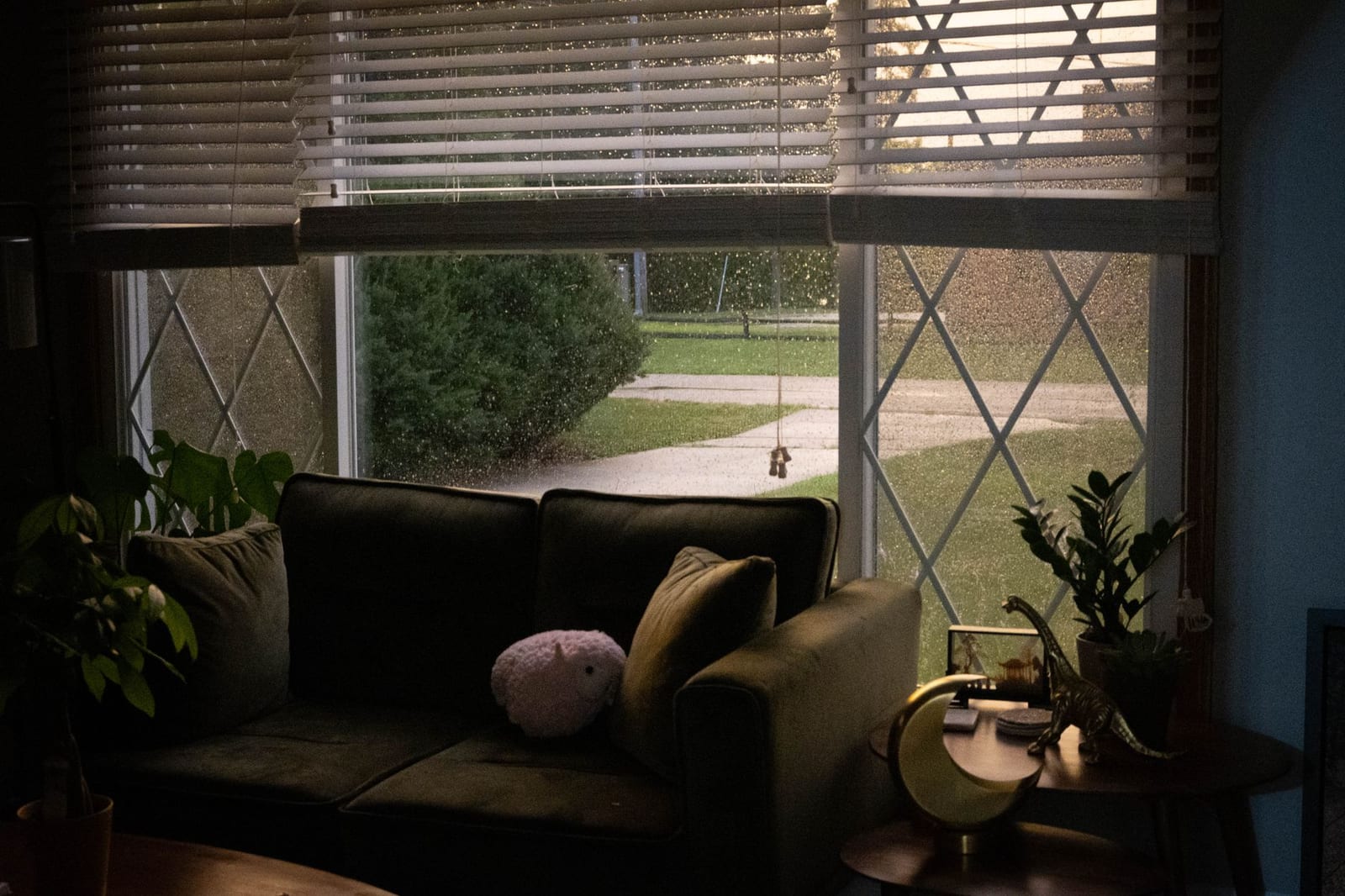 Photo: Kelsey Caroline on Pexels
Quick answer: the lofi visual recipe
- Scene: a lived-in space (desk, bedroom, café, train window) or a quiet landscape.
- Palette: warm and muted: dusty orange, teal, purple, deep blue. No pure white, no neon overload.
- Motion: tiny and slow: rain, steam, a blinking light, a gentle camera drift. The loop should be seamless.
- Texture: film grain, slight blur, a hint of VHS or vignette.
- Visualizer: small and quiet: a thin waveform or a few soft bars, never the star.
- Format: 16:9 for YouTube streams and playlists, 9:16 for Shorts and Spotify Canvas.
The five ingredients
1. A scene that feels like a place
Lofi visuals sell a mood: "you are somewhere safe, it is late, it is raining." A window, a lamp and something personal (headphones, a plant, a cat) do more than any effect. Use your own illustration, commission an artist, or use a photo you have the rights to.
2. A warm, low-contrast palette
Pull colours from the artwork rather than adding new ones. Lower the contrast slightly and warm the highlights. Our music visualizer colour theory guide explains how to build a palette from a single image.
3. Small, slow, looping motion
The magic of the style is that almost nothing moves. Rain on glass, drifting dust, a flicker of light. If the loop has a visible jump, viewers notice on a long stream. Keep loops seamless.
4. Texture
Grain, a soft vignette and a touch of chromatic blur make digital art feel like an old film or tape. Use them lightly; heavy VHS effects tire the eye over an hour.
5. A visualizer that whispers
Lofi beats have soft kicks and a lot of mid-range warmth. A big bouncing spectrum fights the mood. Use a thin waveform, a small bar row near the bottom, or particles that drift slightly faster on the kick.
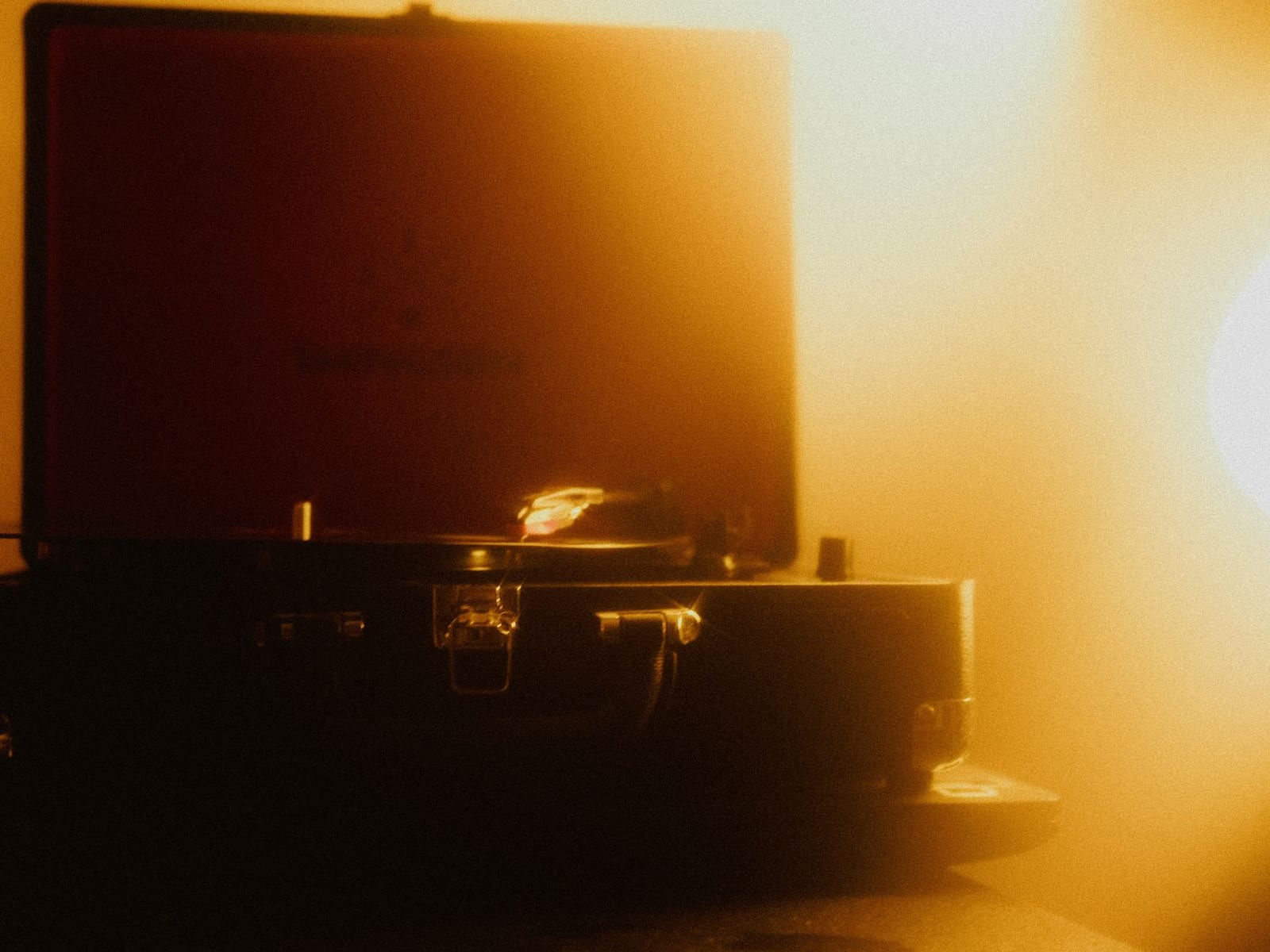 Photo: Mathias Reding on Pexels
Lofi vs other visualizer styles
| Lofi | EDM channel style | Podcast style | |
|---|---|---|---|
| Energy | Low | High | Low |
| Main element | Scene / artwork | Spectrum | Title + waveform |
| Visualizer size | Small | Large, centred | Medium |
| Motion | Slow loop | Shake, zoom, particles | Waveform only |
| Palette | Warm, muted | Saturated, neon | Brand colours |
See EDM channel visualizer styles for the opposite end of the scale.
How to build lofi visuals in Shimga
- Open the studio. Look through community templates for chill and lofi designs as a starting point.
- Set your background. Upload your illustration or photo (you need the rights to it).
- Add your beat (MP3, WAV, OGG, FLAC or M4A).
- Add a quiet visualizer. A thin waveform or small bar row near the bottom. Lower the sensitivity and raise the smoothing.
- Add gentle particles for rain or dust; let the highs nudge them.
- Add text sparingly: artist and track name in a soft, rounded font. A Time element can show a running clock, which suits study streams.
- Add texture. Advanced effects such as VHS and colour grading are Pro features; a darker background and soft particles already get you most of the mood on the free tier.
- Export 16:9 for YouTube or 9:16 for Shorts. Standard exports up to 5 minutes are free with no watermark (as of October 2026). Long mixes need Pro.
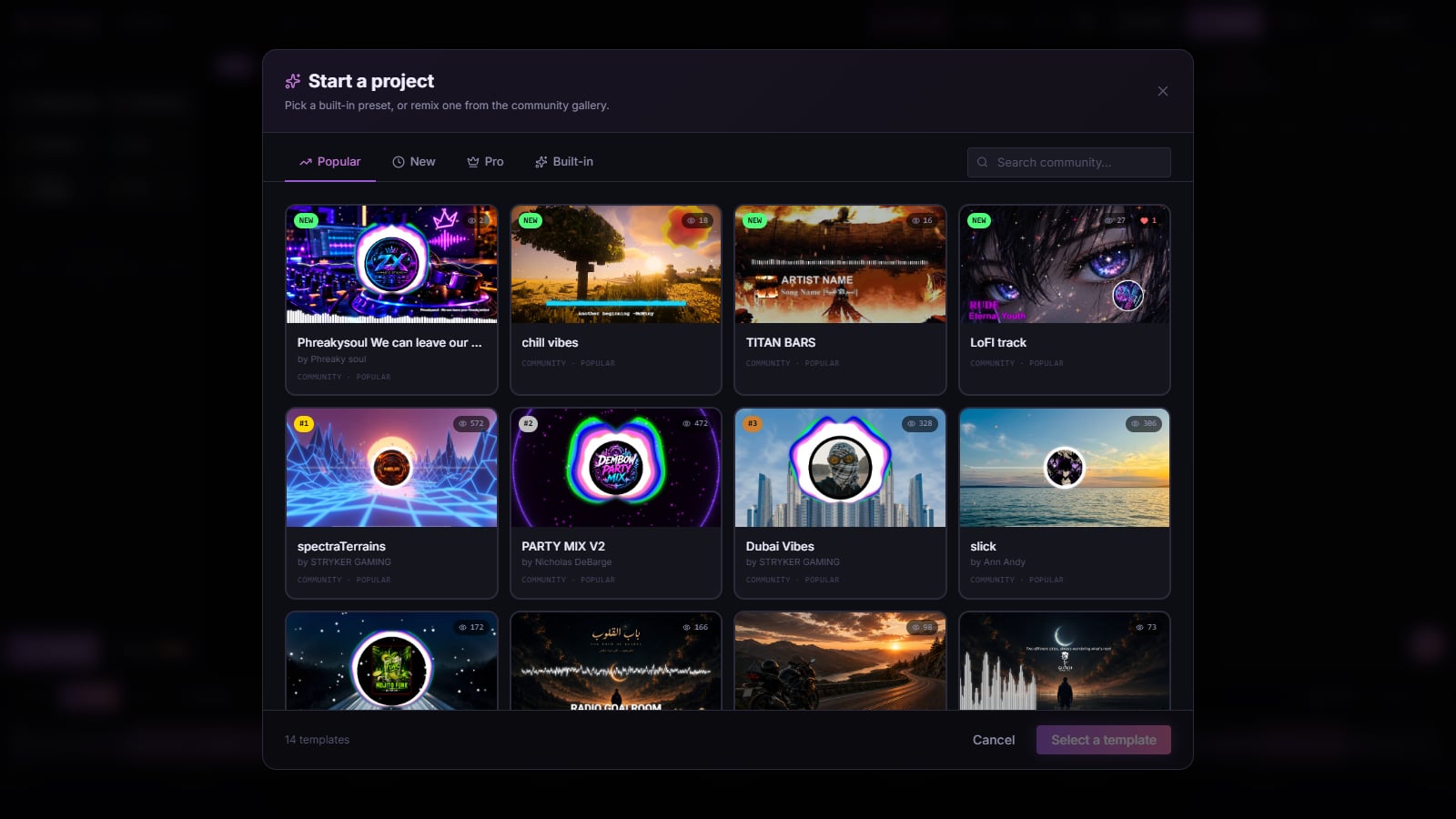 Screenshot: the Shimga studio's template picker, October 2026
Tips for lofi channels and playlists
- One scene per series. Reuse the same room in different weather or seasons. It builds recognition.
- Thumbnails matter more than motion. The still frame is what people click.
- Make a Spotify Canvas from the same scene. A 3 to 8 second vertical loop: see Spotify Canvas specs and steps.
- Keep loudness consistent across a mix so the visualizer does not suddenly jump.
Finding or making lofi artwork legally
- Draw it or commission it. Many illustrators take commissions for lofi scenes; agree on usage rights in writing, including YouTube and streaming use.
- Use free-licence photos. Photo libraries such as Pexels allow use and modification of their photos; a rainy window or a lamp-lit desk photo, blurred and colour-graded, can carry the mood.
- Shoot your own. A phone photo of your own room at night, warmed up and softened, is personal and fully yours.
- Avoid screenshots from films, anime or games. They look tempting, but you do not have the rights, and uploads using them can be claimed or removed.
If you are making a long stream or playlist video, also check your music rights for every track in the mix.
Lofi for vertical formats
The lofi scene was built for wide YouTube screens, but it translates well to 9:16 if you plan for it. Choose artwork with the focal point (window, lamp, character) near the centre, so a vertical frame still tells the story. Move the track title to the top third and keep the waveform just above the bottom safe area. A 3 to 8 second section of the same scene, with rain falling and the waveform breathing, makes a natural Spotify Canvas for every track on a lofi EP.
FAQ
What is the Lofi Girl visual style?
A looping animated scene of a character studying by a window at night, in warm, muted colours with very slow motion. The broader lofi style borrows the mood (cosy, quiet, looping), not the character.
How do I make a lofi aesthetic animation without drawing?
Use a licensed photo or illustration as the background, add slow particles for rain or dust, a small waveform, and grain. Our lofi animation tutorial walks through it.
What colours are used in lofi aesthetics?
Warm, desaturated tones: dusty orange, soft pink, teal, purple and deep night blue, often pulled from a sunset or lamp-lit scene.
Can I use the Lofi Girl character in my video?
No. Create your own character or scene, commission an artist, or license artwork.
What visualizer works best for lofi beats?
A thin waveform or a small, smooth bar row. Big EDM-style spectrums clash with the mood.
How long should a lofi video loop be?
Long enough that the loop point is not obvious, and seamless. For a Spotify Canvas the limit is 3 to 8 seconds.
Related reads
Last updated: October 2026.