Audio Visualizer Plugin Free: FL Studio, VST and More
Audio Visualizer Plugin Free: FL Studio, VST and More
If you use FL Studio, you already own a free audio visualizer plugin: ZGameEditor Visualizer, which Image-Line lists as included in every FL Studio edition and which can render a video of your track. Most other "visualizer VSTs" are metering tools (spectrum analyzers and oscilloscopes) that help you mix but do not export a music video. If you want a finished visualizer video without working inside a DAW, an online tool such as Shimga is faster, but it is a web app, not a plugin.
This guide sorts the two kinds of plugin apart, shows when a plugin is the right tool, and when it is easier to skip the DAW.
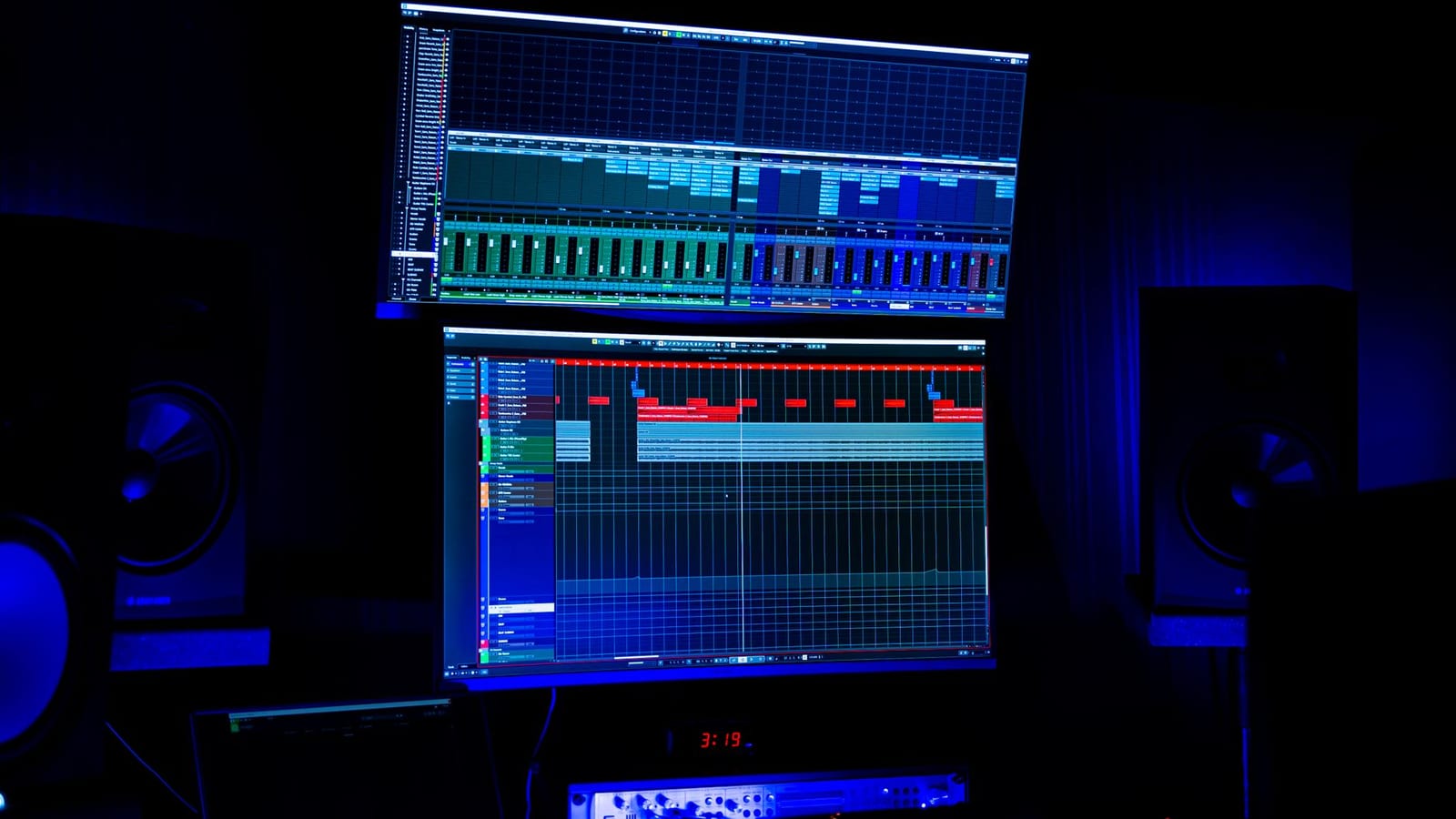 Photo: XT7 Core on Pexels
Quick answer
- "Visualizer VST" means two different things: analysis plugins (spectrum, waveform, phase meters) that you look at while mixing, and video plugins that render audio-reactive visuals to a file.
- FL Studio users: ZGameEditor Visualizer is listed by Image-Line as "Included in all editions" (checked October 2026). It supports up to 100 layers and has movie render capability. FL Studio also ships Wave Candy and Fruity Spectroman for metering.
- Ableton Live users: Max for Live (part of Live Suite) includes Jitter for video, but it is a patching environment rather than a ready-made visualizer.
- No DAW, or you want templates and vertical formats fast: use a browser studio. Shimga exports MP4 in 16:9, 9:16 and 1:1, with no watermark on studio exports.
- Shimga is not a VST or plugin. It runs in your browser and works from an exported audio file.
Two kinds of "audio visualizer plugin"
1. Analysis and metering plugins
These sit on a mixer channel and draw what the audio is doing: a spectrum analyzer shows energy by frequency, an oscilloscope draws the waveform, a goniometer shows stereo width. They are tools for your ears' second opinion. Well-known free examples include Voxengo SPAN, plus the meters bundled with most DAWs (in FL Studio, Wave Candy and Fruity Spectroman are included in all editions).
They are great for spotting a muddy low end. They are not built to make a video for YouTube. You could screen-record one, but it will look like a meter, not a music video.
2. Video and visual-effects plugins
These generate audio-reactive graphics and can render them to a video file. ZGameEditor Visualizer in FL Studio is the best-known example: according to Image-Line's manual it is "a visualization effect plugin with movie render capability", built on the open-source ZGameEditor, with up to 100 layers, particle, tunnel, terrain and text effects, and audio taken from any mixer track routed to it.
Outside FL Studio there are fewer ready-made options. Ableton users can build visuals with Max for Live and Jitter, but that is closer to programming than picking a preset.
 Photo: Matthias Wunderlich on Pexels
Plugin vs online visualizer: which to use
| Visualizer plugin in a DAW | Online visualizer (e.g. Shimga) | |
|---|---|---|
| Install | Comes with or installs into your DAW | Nothing to install, runs in the browser |
| Input | Live audio from the mixer | An exported audio file (MP3, WAV, FLAC and more) |
| Best for | Visuals driven by your project: automation, MIDI, stems | Release videos: YouTube, Shorts, Reels, Spotify Canvas |
| Templates | Plugin presets | Presets plus community templates |
| Vertical 9:16 | Possible, set up manually | Built-in 16:9, 9:16 and 1:1 |
| Works on a phone or Chromebook | No | Yes, in a modern browser |
| Learning curve | Moderate to steep | Low |
| Cost | Included with FL Studio; other DAWs vary | Free standard exports up to 4K/60 fps, 5 min (as of Oct 2026); Pro for more |
When a plugin is the right choice
- You produce in FL Studio and want visuals that follow your automation clips or MIDI, not just the final mix.
- You want to react to individual stems (the kick drives one layer, the vocal another) by routing tracks inside the project.
- You prefer to stay in one app and render the video as part of your session.
When an online tool is the better choice
- The track is finished and you just need a good-looking video today.
- You want ready-made styles, your cover art and text, and vertical versions without rebuilding the scene.
- You are on a laptop without your DAW, or a collaborator who does not own FL Studio needs to make the video.
- You want to start from a design someone has already built and remix it.
How to make a visualizer video without a plugin
- Bounce your track from the DAW as WAV or high-bitrate MP3.
- Open the Shimga studio in Chrome, Edge, Firefox or Safari.
- Pick a preset or template. Circle spectrums, bars, waveforms, particles and 3D scenes are all there. See types of audio visualizers if you are not sure which suits your genre.
- Add the audio file and press play. Every layer reacts to the bass, mids and highs.
- Brand it. Add cover art, artist and song title, your logo, and a Time element if you want a progress bar.
- Export MP4 in 16:9 for YouTube or 9:16 for Shorts and Spotify Canvas. Standard exports need no account.
Tips for FL Studio's ZGameEditor Visualizer
- Route a dedicated track. Send only the kick or bass to the visualizer's mixer track if you want a cleaner pulse.
- Build back to front. Image-Line notes that the left-most layer is the bottom of the stack, so start with the background.
- Render a short test first. Check frame rate and resolution on a 10-second section before rendering a full song.
- Keep the mix master separate. Render the final audio from the DAW and mux it in if your video render settings are not lossless.
What about "free waveform visualizer plugins"?
If you want an animated waveform for a podcast or audiogram, a plugin is usually overkill. Browser tools export a waveform video directly: try the waveform video maker or the podcast visualizer. If you want a still waveform print instead, the sound wave art generator makes PNG, JPG and SVG files.
FAQ
Is there a free audio visualizer VST?
Yes, but most free "visualizer VSTs" are analysis meters, such as spectrum analyzers, that do not export video. For video, FL Studio's ZGameEditor Visualizer is included in all editions, according to Image-Line's edition comparison (October 2026).
What is the best audio visualizer plugin for FL Studio?
ZGameEditor Visualizer, because it ships with FL Studio, supports up to 100 layers and can render video. Wave Candy and Fruity Spectroman are better for metering while you mix.
Can I use Shimga as a VST plugin?
No. Shimga is a browser-based studio, not a VST, AU or AAX plugin. You export your track from the DAW and add the audio file to Shimga.
Is a plugin or an online tool better for a YouTube visualizer?
For a finished release, an online tool is usually faster: templates, branding and vertical formats are built in. Use a plugin when you want visuals driven by your project's automation or stems.
Do visualizer plugins work in Ableton or Logic?
Metering plugins work in any DAW that supports their format. For video, Ableton Live Suite users can build visuals with Max for Live and Jitter, but there is no built-in one-click music video renderer comparable to ZGameEditor.
Is there a free plugin for Resolume?
Resolume is VJ software rather than a DAW plugin. Its trial runs with a watermark on the output. See real-time DJ visuals: free vs paid.
Related reads
- Audio visualizer VST? The no-plugin way to make videos
- Audio visualizer freeware: desktop, VST and browser
- Spectrum analyzers in music
- Best free audio visualizer online
Last updated: October 2026. FL Studio edition details were checked on image-line.com on 27 October 2026.