Real-Time DJ Visuals: Best Free vs Paid Options
Real-Time DJ Visuals: Best Free vs Paid Options
For live, real-time DJ visuals, the free options are projectM (MilkDrop-style visuals), OBS for streams, and the free tiers of TouchDesigner (non-commercial, capped at 1280×1280) and Synesthesia and Resolume (trials with a watermark). The main paid options are Synesthesia ($199 or $399, perpetual) and Resolume Avenue (€299) or Arena (€799). Prices are as of October 2026.
One honest note up front: Shimga is not live VJ software. It renders beat-synced videos from an audio file. That is useful for DJs too (pre-made clips for each track, promo videos, stream backdrops), but it does not react to a live mix in real time.
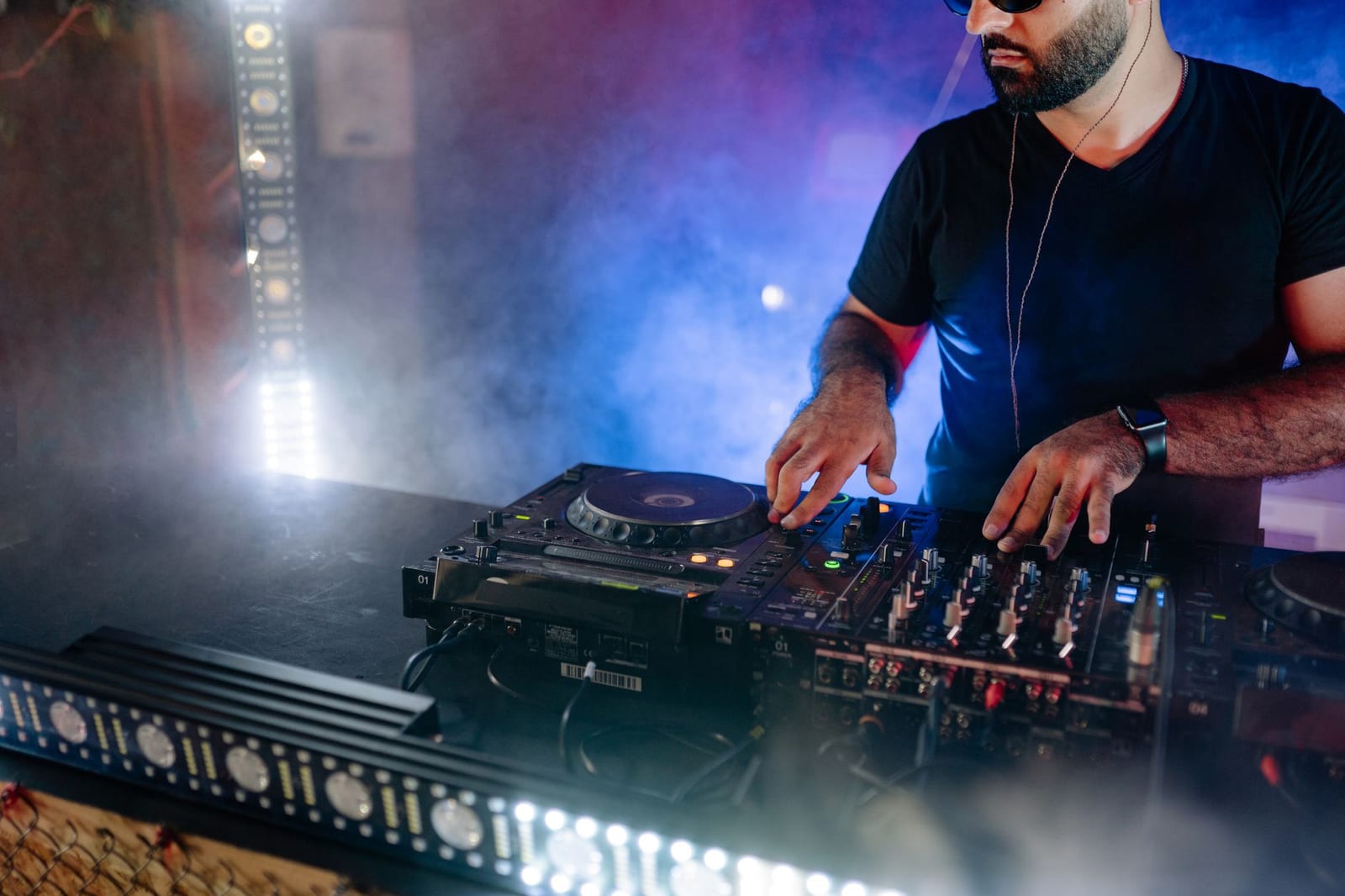 Photo: Yan Krukau on Pexels
Quick answer
- Best free for live visuals: projectM (open source, MilkDrop-compatible).
- Best free for learning a pro tool: TouchDesigner Non-Commercial (personal use only, 1280×1280 max).
- Best value paid for audio-reactive shows: Synesthesia Standard ($199, perpetual).
- Industry standard for clip-based VJing: Resolume Avenue (€299) or Arena (€799, adds projection mapping and more output features).
- Streaming a DJ set: OBS Studio (free) with a visualizer source. See music visualizer for Twitch and DJ streams.
- Pre-rendered clips, promo videos and Canvases: a renderer such as Shimga, then play the clips in your VJ software.
Free vs paid, compared (checked 27 October 2026)
| Software | Free option | Paid price | Licence type | Live audio-reactive? | Notes |
|---|---|---|---|---|---|
| Resolume Avenue / Arena | Unlimited trial; logo watermark on output and robot voice in audio | €299 / €799 | Perpetual, 12 months of updates | Yes | Clip-based VJ standard; 50% education discount |
| Synesthesia | Unlimited trial; watermarked output | $199 Standard / $399 Pro | Perpetual; updates $60/year (currently free) | Yes | Scene-based, shader-driven; Pro adds Syphon/Spout/NDI and OSC |
| TouchDesigner | Non-Commercial: free, max 1280×1280, no paid work | $600 Commercial; $300 Educational | Licence key | Yes (you build it) | Node-based; steep learning curve |
| projectM | Free, open source (LGPL-2.1) | – | Open source | Yes | MilkDrop presets |
| OBS Studio | Free, open source (GPL-2.0) | – | Open source | Via sources/plugins | For streaming, not VJing |
| Shimga | Free standard exports up to 4K/60 fps, 5 min | Pro $5/mo, $48/yr, or Lifetime | Subscription or one-time | No, renders video files | For pre-made clips and promos |
Sources: resolume.com/shop, synesthesia.live/pricing, derivative.ca product pages and user guide, GitHub, shimga.app.
Which gives the best value for live DJ performances?
It depends on how you play:
- You DJ in bars and want something reactive on a screen with no prep: Synesthesia. Load a scene, it reacts to the audio input, done. Standard at $199 is a one-time cost.
- You want to mix your own video clips, logos and live inputs: Resolume. Avenue covers most club needs; Arena is for projection mapping and bigger rigs.
- You are technical and want unique, generative visuals: TouchDesigner. Learn free, then buy Commercial once you get paid gigs, because the Non-Commercial licence does not allow paid work.
- Zero budget, house party: projectM on a laptop connected to the TV.
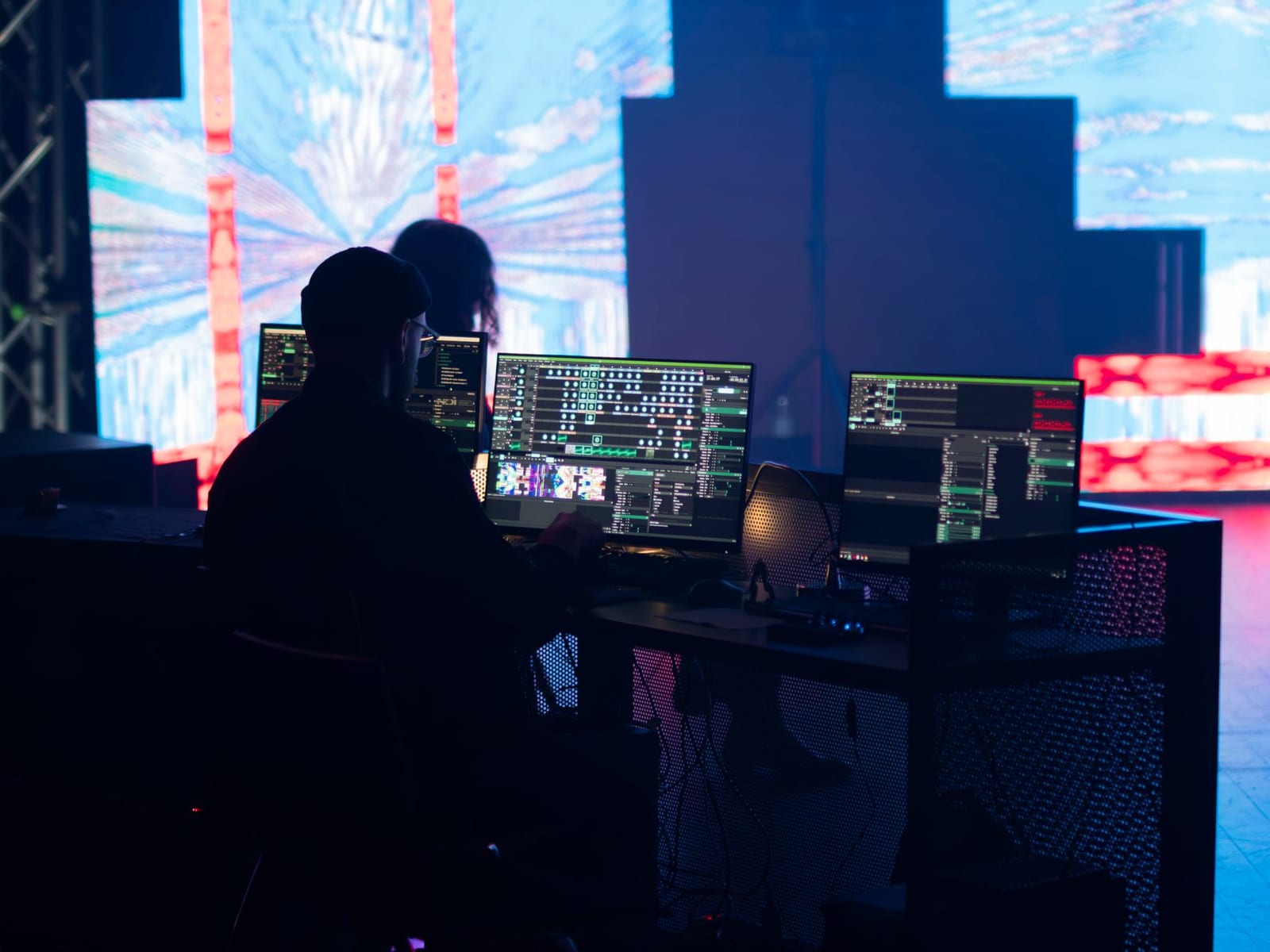 Photo: SHOX ART on Pexels
Is there a free Resolume plugin or free version?
Resolume's trial runs as long as you like, but until you enter a serial, the output carries a Resolume logo watermark and a robot voice in the audio, according to its shop page. Fine for rehearsing, not for a paid show. Resolume does support FFGL plugins for effects, and there are free FFGL effects online, but they extend Resolume rather than replace a licence.
Where pre-rendered visuals fit in a DJ setup
Real-time visuals react to whatever is playing. Pre-rendered clips are designed for one track, so they can carry the track's title, artwork and exact drops. Many VJs mix both: a live layer plus a library of clips.
Use a renderer like Shimga for:
- Track-specific loops you trigger in Resolume when that track plays.
- Intro and outro videos with your DJ name and logo.
- Promo clips of your mix for Reels, Shorts and TikTok (9:16).
- Stream backdrops for a recorded or scheduled set.
- Spotify Canvas loops for your own releases (Canvas maker).
How to make a track-synced clip for your VJ library
- Export the track or section you want as WAV or MP3.
- Open Shimga's studio and pick a preset or a community template.
- Add the audio and your branding: DJ name, logo, colours.
- Match your venue's screen: 16:9 for most screens and projectors; 1:1 or 9:16 for LED columns or social.
- Export MP4 at 1080p or 4K. Clips up to 5 minutes are free with no watermark (as of October 2026). Long mixes need Pro.
- Load the clip into your VJ software's library and trigger it with the track.
Hardware matters as much as software
- GPU first. Real-time visuals run on the graphics card. A laptop with a dedicated GPU handles heavier scenes and higher output resolutions.
- Audio input. Reactive software needs a clean audio feed: a line from the mixer's booth or record output into an audio interface is more reliable than a microphone in a loud room.
- Outputs. Check how many screens or projectors you need to drive and at what resolution before choosing between, for example, Resolume Avenue and Arena.
- Pre-rendered clips are light. Playing back a pre-made MP4 uses far less power than generating visuals live, which is why many VJs keep a clip library as a fallback.
A starter setup on a budget
- Practise free: run projectM or the Synesthesia trial at home with your DJ software's output.
- Build a small clip library: 10 to 20 short loops with your DJ name and colours, rendered in advance.
- Test at the venue: check the screen's resolution and aspect ratio, and how the audio feed reaches your laptop.
- Buy when it pays: move to a paid licence once you are booked for gigs that need clean, unwatermarked output.
FAQ
What are the best free options for real-time DJ visuals?
projectM for MilkDrop-style visuals, TouchDesigner Non-Commercial for personal projects, and the watermarked trials of Synesthesia and Resolume for practice.
What are the best paid options for real-time DJ visuals?
Synesthesia ($199 Standard, $399 Pro) for audio-reactive scenes and Resolume Avenue (€299) or Arena (€799) for clip-based VJing, as of October 2026.
Which audio visualization software gives the best value for live DJs?
For most DJs who want reactive visuals without building them, Synesthesia Standard is the best value as a one-time purchase. Resolume is better if you mix your own clips.
Can Shimga do live visuals for a DJ set?
No. Shimga renders videos from audio files. Use it to make clips, intros and promo videos, then play them in VJ software or on a screen.
Can I use TouchDesigner free for paid gigs?
No. Derivative's user guide says the Non-Commercial licence is for personal, educational or evaluation use only, not paid work.
Subscription or perpetual licence for VJ software?
Synesthesia and Resolume both sell perpetual licences with a period of updates included. See how to evaluate licensing models.
Related reads
- Music visualizer for Twitch and DJ streams in OBS
- Open-source audio visualizers
- Audio reactive visuals explained
Last updated: October 2026. Prices and licence terms were taken from each vendor's official site on 27 October 2026 and may change.