Best Music Visualizer for Windows (2026): 7 Options
Best Music Visualizer for Windows (2026): 7 Options
The best music visualizer for Windows depends on whether you want to watch visuals while you listen or make a video to share. For watching, VLC, foobar2000 and MilkDrop-style apps such as projectM are free and run locally. For making a shareable music video, a browser studio such as Shimga runs in Edge or Chrome on Windows and exports an MP4 with no watermark.
Here are seven options, what each is actually for, and how to pick.
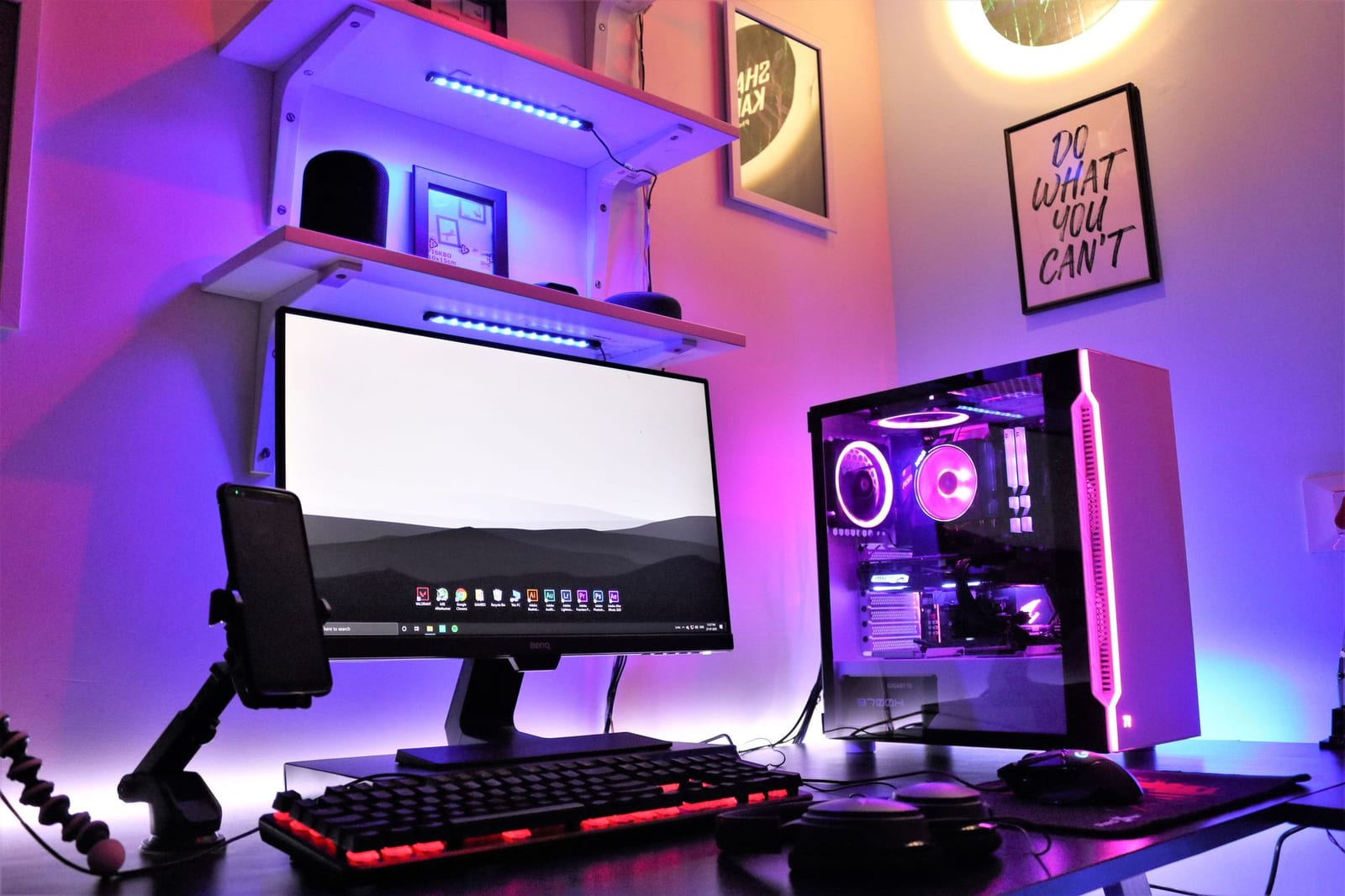 Photo: Sharad Kachhi on Pexels
Quick answer
- Make a music video on Windows: Shimga in Edge, Chrome or Firefox. Exports MP4 in 16:9, 9:16 and 1:1, up to 4K/60 fps free for videos up to 5 minutes (as of October 2026).
- Visuals while listening, already installed on many PCs: VLC's built-in visualizations (spectrum, scope, spectrometer, VU meter).
- Classic trippy MilkDrop visuals: projectM, an open-source, MilkDrop-compatible visualizer (LGPL-2.1).
- Lightweight player with spectrum panels: foobar2000.
- Visuals on your desktop background: Wallpaper Engine (paid, on Steam) has audio-responsive wallpapers.
- Producers in FL Studio: ZGameEditor Visualizer, included in all FL Studio editions.
- Windows Media Player: the classic visualizations live in Windows Media Player Legacy, not the newer Media Player app.
The 7 options compared
| Option | Type | Cost | Exports a video? | Best for |
|---|---|---|---|---|
| Shimga | Browser studio | Free standard exports; Pro optional | Yes, MP4 | YouTube, Shorts, Spotify Canvas |
| VLC | Media player | Free, open source | No (screen record only) | Quick visuals while listening |
| projectM | MilkDrop-compatible visualizer | Free, open source | Not as a main feature | Psychedelic live visuals |
| foobar2000 | Music player | Free | No | Spectrum and oscilloscope panels |
| Wallpaper Engine | Desktop wallpaper app | Paid (Steam) | No | Audio-reactive desktop |
| FL Studio + ZGameEditor | DAW plugin | Included with FL Studio | Yes | Producers already in FL Studio |
| Windows Media Player Legacy | Media player | Included in Windows | No | Nostalgia (Alchemy, Bars and Waves) |
1. Shimga (make a video in your browser)
Shimga is not a Windows app you install; it is a studio that runs in your browser on Windows, macOS, Linux, Android and iOS. You add a song, pick a preset or template, and every layer (bars, circle spectrums, waveforms, particles, 3D scenes) reacts to the beat. Then you export an MP4.
Why it is on a Windows list: it is the simplest way on a Windows PC to turn a track into a finished video without installing anything. Rendering uses your own GPU through the browser, so a gaming PC exports quickly.
2. VLC media player
VLC has visualizations built in. Its documentation lists spectrum (the default), scope, spectrometer and VU meter effects. Play a song, open the Audio menu and choose a visualization.
Good for: a free, zero-setup visual while music plays. Not for: a polished video. You would have to screen-record it.
3. projectM (MilkDrop-compatible)
MilkDrop was the famous Winamp visualizer of the 2000s. projectM is an open-source library that is compatible with MilkDrop presets, licensed LGPL-2.1, and actively maintained on GitHub (commits in October 2026). Check the project's releases page for current Windows builds and front-ends.
Good for: endless psychedelic, beat-reactive visuals for a party screen. Not for: branded videos with your cover art and title.
4. foobar2000
The lightweight player includes visualisation panels such as a spectrum and an oscilloscope that you can dock into its layout. It is more of a listening tool with meters than a visualizer for videos.
5. Wallpaper Engine
A paid Steam app that plays animated wallpapers, many of which react to whatever audio your PC is playing. Price varies by region and sales; check the Steam store.
Good for: an audio-reactive desktop. Not for: exporting video.
 Photo: Anthony Nguyen on Pexels
6. FL Studio's ZGameEditor Visualizer
If you produce on Windows in FL Studio, you already have ZGameEditor Visualizer: Image-Line's edition comparison lists it as included in all editions (checked October 2026). It renders audio-reactive video from inside your project. More in audio visualizer plugins for FL Studio and other DAWs.
7. Windows Media Player Legacy
The classic visualizations, such as Alchemy and Bars and Waves, belong to Windows Media Player Legacy. Users on Microsoft's forums report they are not part of the newer Media Player app in Windows 11, and some report Alchemy freezing after the first track. Fine for nostalgia, not for daily use.
How to make a visualizer video on Windows with Shimga
- Open Edge or Chrome and go to shimga.app/studio.
- Pick a look. Built-in presets or community templates; 16 new templates were added recently.
- Add your audio file from File Explorer (drag and drop works).
- Customise: colours, background, cover art, artist name, logo, and the Time element for a progress bar.
- Choose an aspect ratio: 16:9, 9:16 or 1:1.
- Export MP4. Keep the tab in the foreground and your laptop plugged in for long renders.
Windows tip: if exports are slow, check that hardware acceleration is on in your browser settings and close games or other GPU-heavy apps. Our performance guide has more.
How to choose
- "I want something pretty while I listen." VLC (already installed for many people) or projectM.
- "I want my desktop to dance." Wallpaper Engine.
- "I need a video for my song." Shimga, or ZGameEditor if you live in FL Studio.
- "I want to analyse my mix." A spectrum analyzer plugin in your DAW, see spectrum analyzers in music.
Common Windows problems and fixes
- The browser export stalls. Keep the Shimga tab in the foreground; Windows and the browser may slow down background tabs. Plug a laptop in, because battery saver modes throttle the GPU.
- Visuals stutter in the preview. Lower the preview quality or close other GPU-heavy apps, such as games and video calls. The final export renders frame by frame, so it can be smooth even if the preview is not.
- No sound reaches a desktop visualizer. Apps that react to system audio need the right playback device selected in Windows sound settings.
- The MP4 will not play in an old player. Try VLC or the Windows Media Player app, or re-upload straight to YouTube, which accepts the file as-is.
FAQ
What is the best free music visualizer for Windows 11?
For watching, VLC and projectM are free. For making a shareable video, Shimga runs in Edge or Chrome on Windows 11 and exports MP4 for free up to 4K/60 fps and 5 minutes, as of October 2026.
Does Windows 11 have a built-in music visualizer?
The classic visualizations are in Windows Media Player Legacy. The newer Media Player app does not include them, according to user reports on Microsoft's forums.
Is MilkDrop still available on Windows?
MilkDrop-style visuals live on through projectM, an open-source MilkDrop-compatible project, and through classic Winamp-style players.
Can VLC export a visualizer video?
Not directly in a simple way. VLC shows visualizations while playing. To get a video file, use a tool built for exports.
What is the best audio visualizer software for YouTube on Windows?
One that exports at least 1080p with no watermark and lets you add your artwork and title. See best free audio visualizer online.
Do I need a good graphics card?
For watching visuals, no. For exporting 4K video, a better GPU makes renders faster. 1080p works on most recent laptops.
Related reads
- Audio visualizer freeware: desktop, VST and browser
- Open-source audio visualizers
- Audio visualizer software: types, features, picks
Last updated: October 2026.