Audio Visualizer Software: Types, Features, Picks
Update, 20 November 2026: Shimga's free exports now go up to 720p at 30 fps with a small "Made with shimga.app" watermark, and Pro elements and templates are included. 1080p to 4K, 60 fps, exports without the watermark and videos over 5 minutes need Shimga Pro or credits. Where this article mentions free 4K or no watermark, it describes the earlier free tier.
Short answer: Audio visualizer software uses a Fast Fourier Transform to split sound into frequency bands and drives visuals from them, either live or rendered frame by frame into a video. Choose browser tools for quick MP4 videos, desktop apps for live performance, and editor plugins for full motion design. Shimga Studio is a browser option you can use without installing, signing in or paying; standard exports are currently free.
Last updated 21 October 2026.
What does audio visualizer software actually do?
Audio visualizer software converts a sound signal into a moving image. Almost every tool uses a Fast Fourier Transform (FFT), which splits an audio signal into frequency bands dozens of times per second. Those band values drive visual parameters: bar height, particle speed, circle radius, colour or anything else the engine supports. The result pulses, beats and breathes in sync with the music.
There are two rendering modes:
- Real-time visualization draws frames as the audio plays. It suits live performance, DJs and instant feedback.
- Rendered export analyses the audio offline and draws each frame for its exact moment in the track. It can take longer than the song, but the video file is perfectly in sync and ready for YouTube, Instagram or broadcast.
Many modern tools, including browser-based ones, support both. Demand for audio-reactive visuals from creators who are not motion designers pushed developers to simplify the tools, and today you can produce a polished visualization without installing anything.
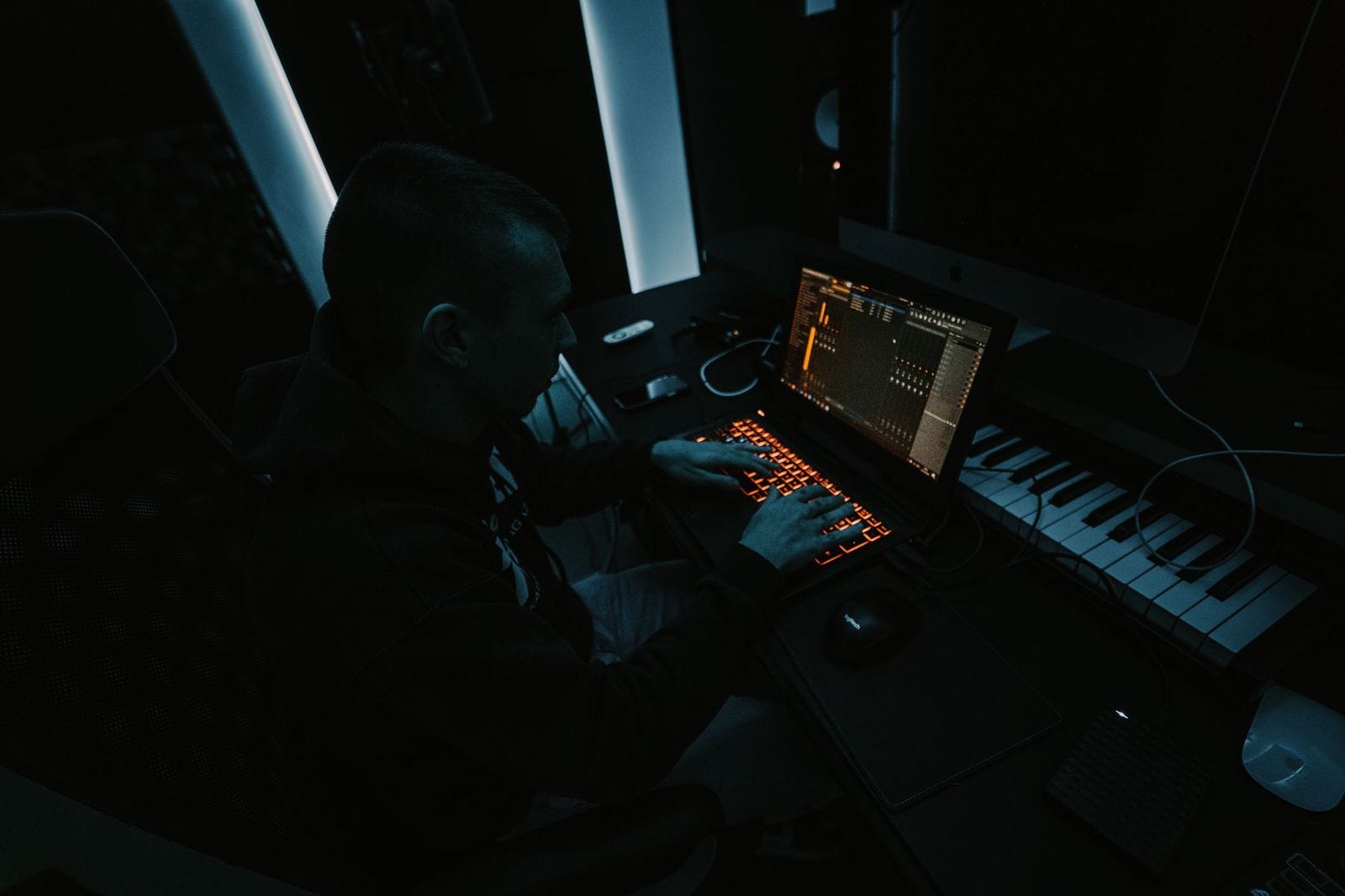
Photo: Bert Christiaens on Pexels
What are the categories of audio visualization tools?
| Category | Examples | Strength | Trade-off |
|---|---|---|---|
| Browser-based | Shimga Studio, Specterr, Vizzy | No install; any operating system; fast to first export | Limited by browser and your hardware |
| Desktop applications | Resolume Avenue, Magic Music Visuals, Milkdrop | Low-latency real time, MIDI control, multiple outputs | Steeper learning curve; some are Windows-only |
| Editor plugins | After Effects with visualizer plugins | Total control inside a video editor | Needs subscriptions, plugins and skill |
| Mobile apps | Audiogram apps | Quick clips for Stories and TikTok | Lower resolution and fewer presets |
Browser tools such as Shimga Studio run on WebGL and the Web Audio API, so there is nothing to install and no license key. Desktop software suits live performers who need millisecond latency and multiple video outputs. Editor plugins fit producers who already work in a non-linear editor.
What features should you evaluate?
- Preset library depth: a library covering spectrum bars, waveforms, particles and abstract shaders shortens the time from idea to finished video.
- Export quality and format: MP4 (H.264) at 1080p or higher, at the frame rate you need.
- Watermark policy: acceptable for drafts, a problem for published or client work. Check the exact output you would publish.
- Platform support: browser tools run anywhere a modern browser does; desktop apps are often limited to one or two operating systems.
- Learning curve: choose a tool you will actually use, with a short path to the first export.
- Price: compare what each tier includes; some tools gate basic exports, others do not.
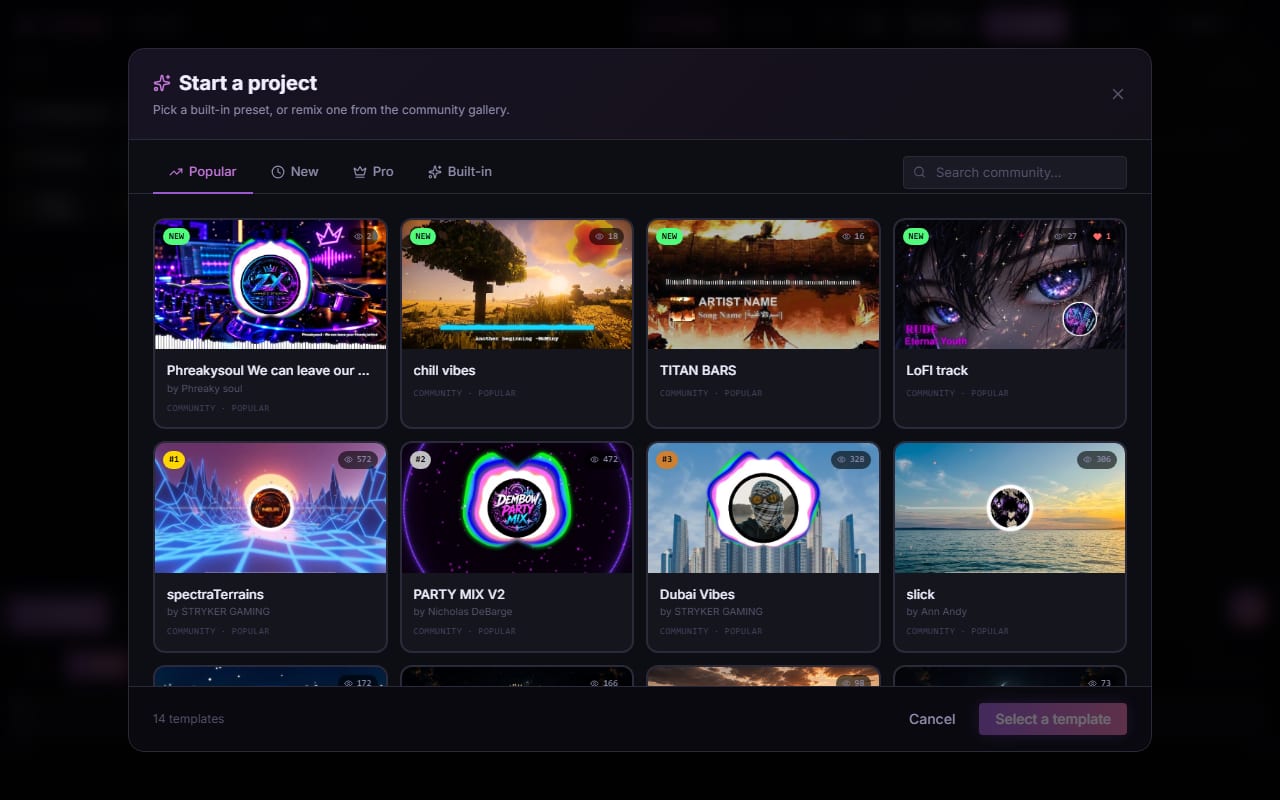
Screenshot: shimga.app
How do the tools compare?
Plans and limits change, so this table states what we know for Shimga and points you to the source for the rest.
| Tool | Install | Watermark | Export | Cost |
|---|---|---|---|---|
| Shimga | No, browser only | None | MP4 currently up to 4K, 60 fps | Build and export standard scenes without paying; Pro is $5/month or $48/year (7-day free trial), $3 for 6 Pro exports, or $131 + tax Lifetime |
| Specterr | No, browser only | See plan | See plan | See specterr.com |
| Vizzy | No, browser only | See plan | See plan | See vizzy.io |
| Renderforest | No, browser only | See plan | See plan | See renderforest.com |
Milkdrop, the Winamp visualizer, is a community favourite with thousands of presets, but it has no built-in video export and needs screen recording. Resolume Avenue is the professional VJ standard with layers, MIDI mapping and live inputs, and is more than a YouTube creator needs.
Who should use which tool?
Independent musicians and producers
If you want the shortest path from audio file to finished video, a browser tool fits. In Shimga, open the studio, add your track, browse templates and export an MP4 at up to 4K without paying or signing in (currently).
Live performers and VJs
You need real-time, latency-sensitive rendering with MIDI or audio input control. Dedicated desktop software such as Resolume or Magic Music Visuals is built for that; browser tools are not designed for live shows where a dropped frame is visible.
Podcasters
Aspect-ratio flexibility (9:16 for Reels and Shorts, 1:1 for the feed) and a clean waveform matter most. See creating podcast videos.
YouTubers with complex branding
Prototype in a browser tool and move to After Effects only when the visual complexity needs it.
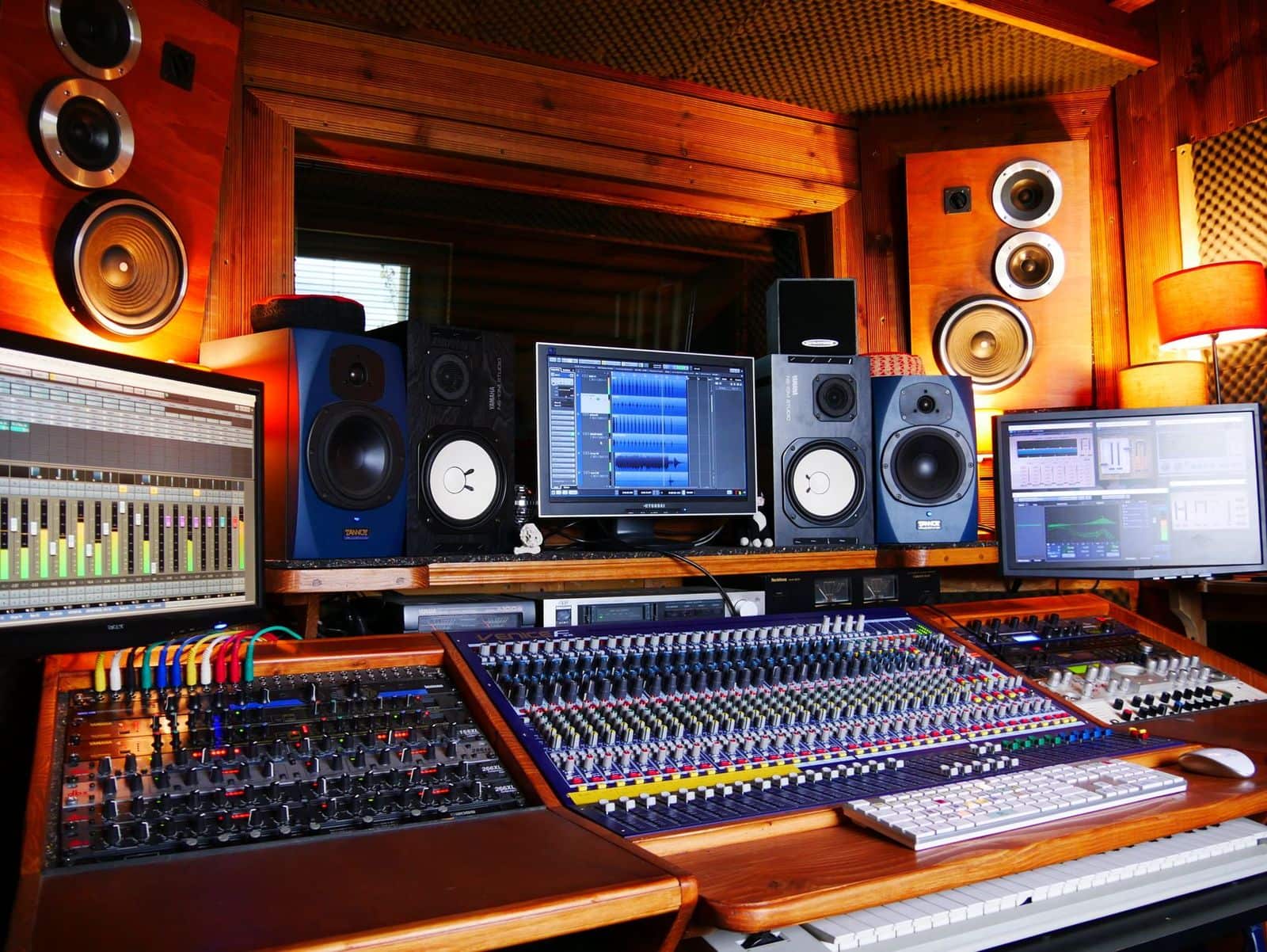
Photo: Tom de Monteiller on Pexels
How do you get started in under 5 minutes?
- Open Shimga Studio in Chrome, Edge or another modern browser.
- Add your MP3, WAV, OGG, FLAC or M4A file. The waveform loads in the browser.
- Browse the presets in the left panel and click one to preview it live.
- Adjust colours, speed and sensitivity. Changes update in real time.
- Choose a size (1080p 16:9 for YouTube, 1080 by 1920 for Reels and Shorts, 1080 by 1080 for the feed) and export MP4. No sign-in is needed.
For the best quality from any browser visualizer, start from a high-bitrate source (WAV or 320 kbps MP3), close other tabs to free graphics memory during the render, and export at the size you will upload.
Frequently asked questions
What is the best audio visualizer software with no watermark on standard exports?
Shimga exports standard scenes (currently up to 4K, up to 5 minutes, no Pro elements) without a watermark, directly from your browser. Other tools differ by plan, so check each one's current terms.
Can I use audio visualizer software for podcasts?
Yes. Waveform and simple spectrum presets work well for podcasts and audiograms, and a minimal preset keeps attention on the content.
Do browser-based visualizers work on Mac and Linux?
Yes. Any tool that runs in a modern browser works on Windows, macOS and Linux. Chrome and Edge give the best export experience in Shimga.
How does audio visualizer software work?
It runs a Fast Fourier Transform on the audio to get frequency bands and maps those values to visual parameters such as size, colour or motion, either live or frame by frame for a rendered video.
Related: audio reactive visuals, audio visualizer freeware guide and spectrum analyzers explained.