Waveform Maker Online: Generate an Audio Waveform Image
Waveform Maker Online: Generate an Audio Waveform Image
An online waveform maker turns an audio file into a picture of its waveform that you can download as an image. In the Shimga editor you upload or record audio, choose the seconds you want, pick a style (bars, mirrored bars, line, filled, dots or a round shape), set colours and size, and export a PNG, JPG, SVG or PDF. It runs in your browser, the audio is not uploaded, and you can preview for free. Clean downloads start at $3.99.
If you want a waveform that moves in a video, that is a different job. See our audio waveform video guide and the sound wave animation generator guide.
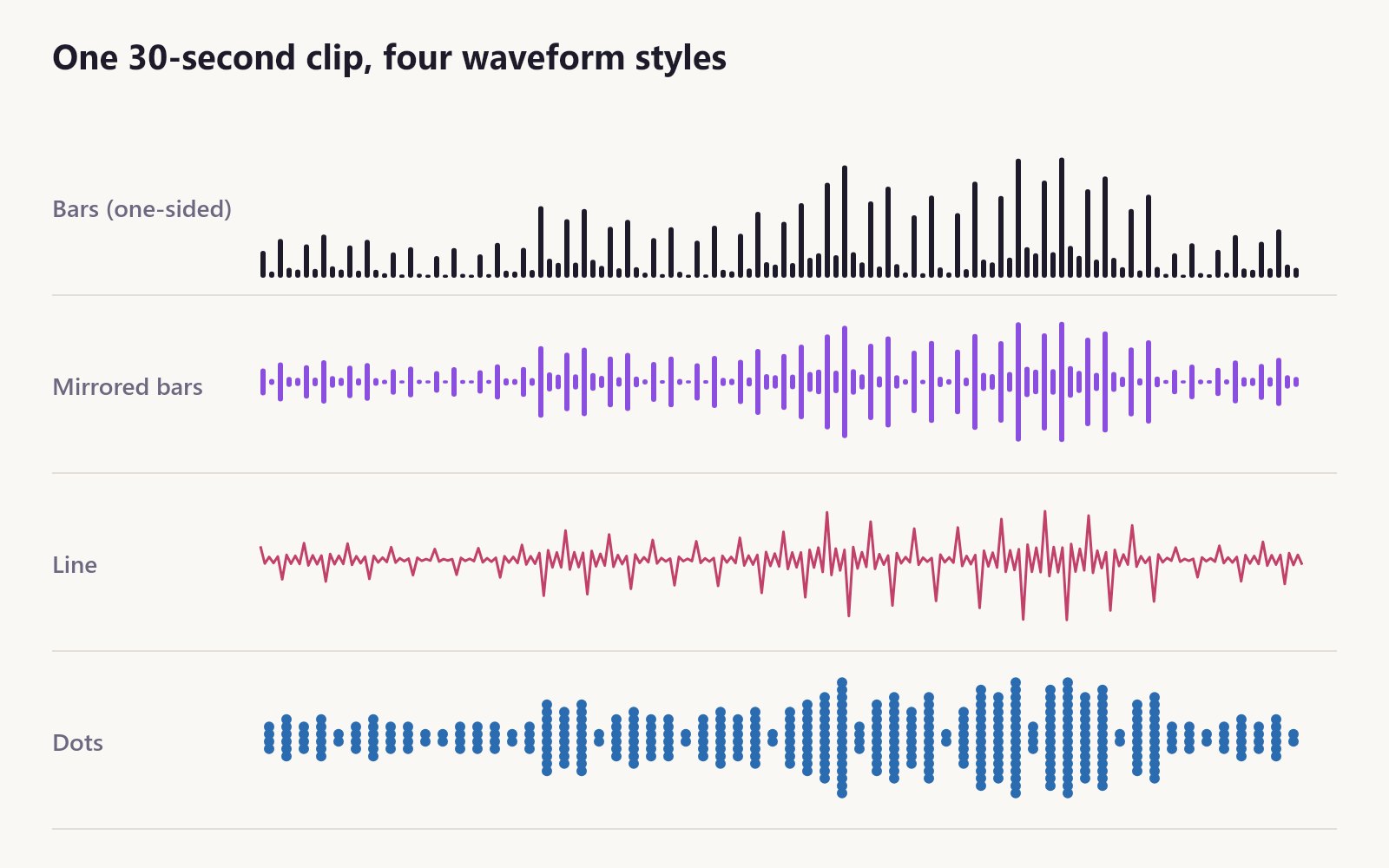 One clip, four looks. Diagram rendered from an example audio file.
Key facts
- What you get: a still image of the loudness of your audio over time.
- Supported audio: MP3, WAV, M4A, OGG, AAC and FLAC, or a microphone recording.
- Styles: 12, from plain bars and line to circle, heart and spiral.
- Output formats: PNG (lossless, with 300 DPI metadata), JPG (smaller), SVG (vector, any size) and PDF (a real page at the print size).
- Sizes: print presets from A4 to 24x36 in at 300 DPI; digital presets for phone wallpaper and Instagram; custom pixel sizes from 64 to 12000 px per side.
- Price: free to design and preview; $3.99 per clean download, $9.99 for three, $24 for ten, $59 for 50 credits, or 10 a month with Shimga Pro.
Generate a waveform image in 7 steps
- Open the waveform maker at /sound-wave-art-generator/create.
- Load audio. Upload a file or tap Record. A small overview of the whole file appears, which doubles as a quick online waveform viewer.
- Select a range. Drag Start and End. The highlighted part becomes your waveform. Play segment lets you check it by ear.
- Pick a style. Bars and Mirrored are the classic "audio waveform" look. Line is minimal. Dots feel retro. Filled draws a solid silhouette.
- Shape it. Bar width, gap and roundness control density; Amplitude makes peaks taller; Smoothing calms a noisy recording.
- Colour it. Solid or gradient wave, and a solid, gradient or photo background. For a clean cut-out look, use a white or black background and SVG.
- Export. Choose the size and format. Preview free; buy the clean download when ready. You sign in to buy, and a design you have bought can be downloaded again in another format at no extra cost.
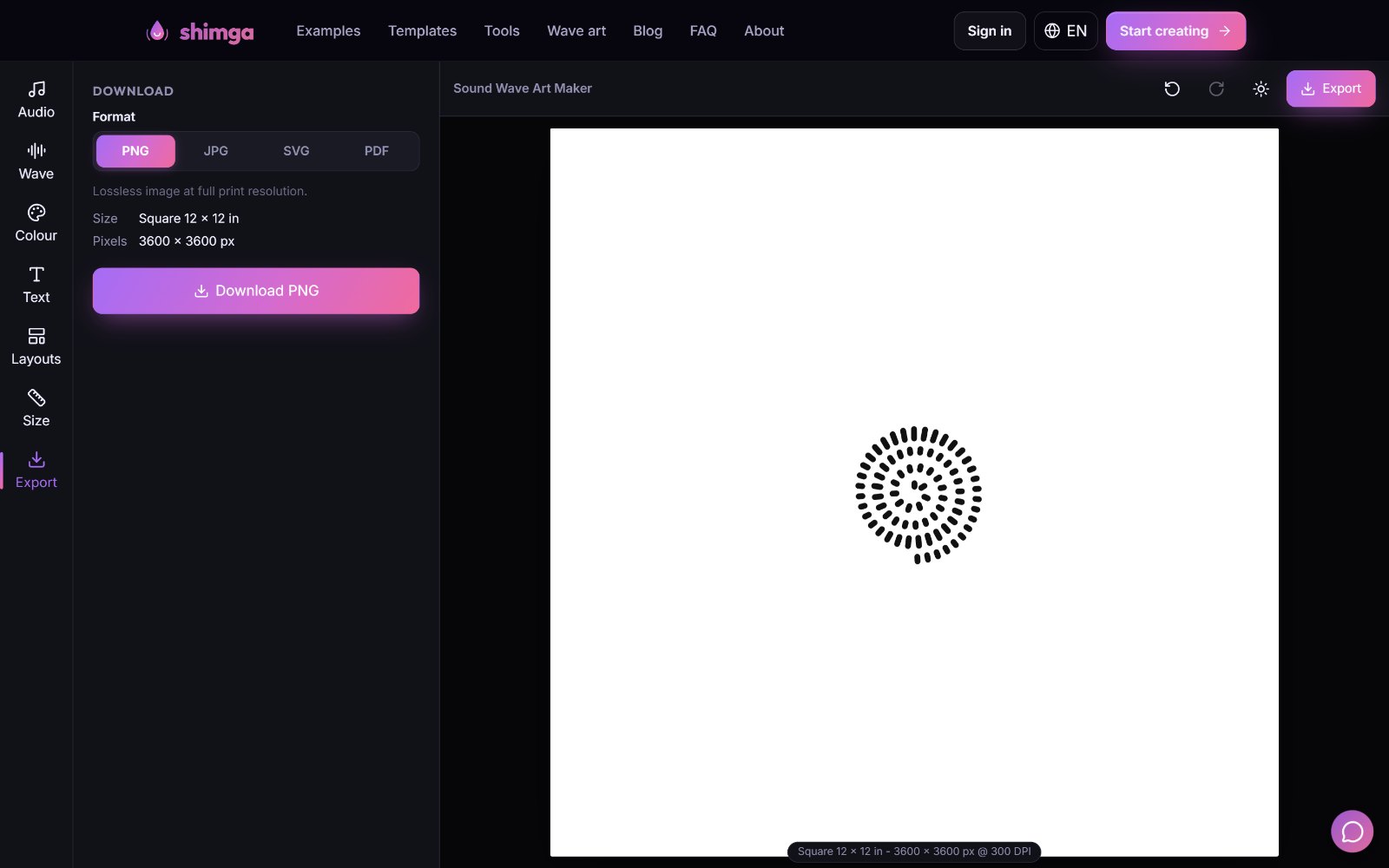 The Export tab shows the format, print size and exact pixels before you download.
Which format should you choose?
| Format | Best for | Notes |
|---|---|---|
| PNG | Web, print, overlays | Lossless; full print resolution |
| JPG | Print shops, sharing | Smaller files; no transparency |
| SVG | Large prints, cutting machines, design software | Vector wave and text; no size limit |
| Print shops | One page at the physical size |
Phones have a lower safe canvas size than computers, so very large raster exports (for example 24x36 in) can be capped on mobile. The editor warns you. SVG has no limit, and a computer can render larger files.
Music waveform vs voice waveform
A music waveform usually has a steady beat, so bars rise and fall in a regular pattern. Choruses are louder and denser than verses. Mirrored bars and circles show this off.
A voice waveform comes in bursts: syllables, short gaps between words, longer gaps between sentences. Bars or a fine line show that rhythm best.
A heartbeat waveform is a repeated double pulse. A line or dots make it look gentle.
Knowing this helps you choose the segment: for music, pick the chorus; for speech, pick one complete sentence; for a heartbeat, a few seconds is enough. For the theory, read what a waveform is in sound.
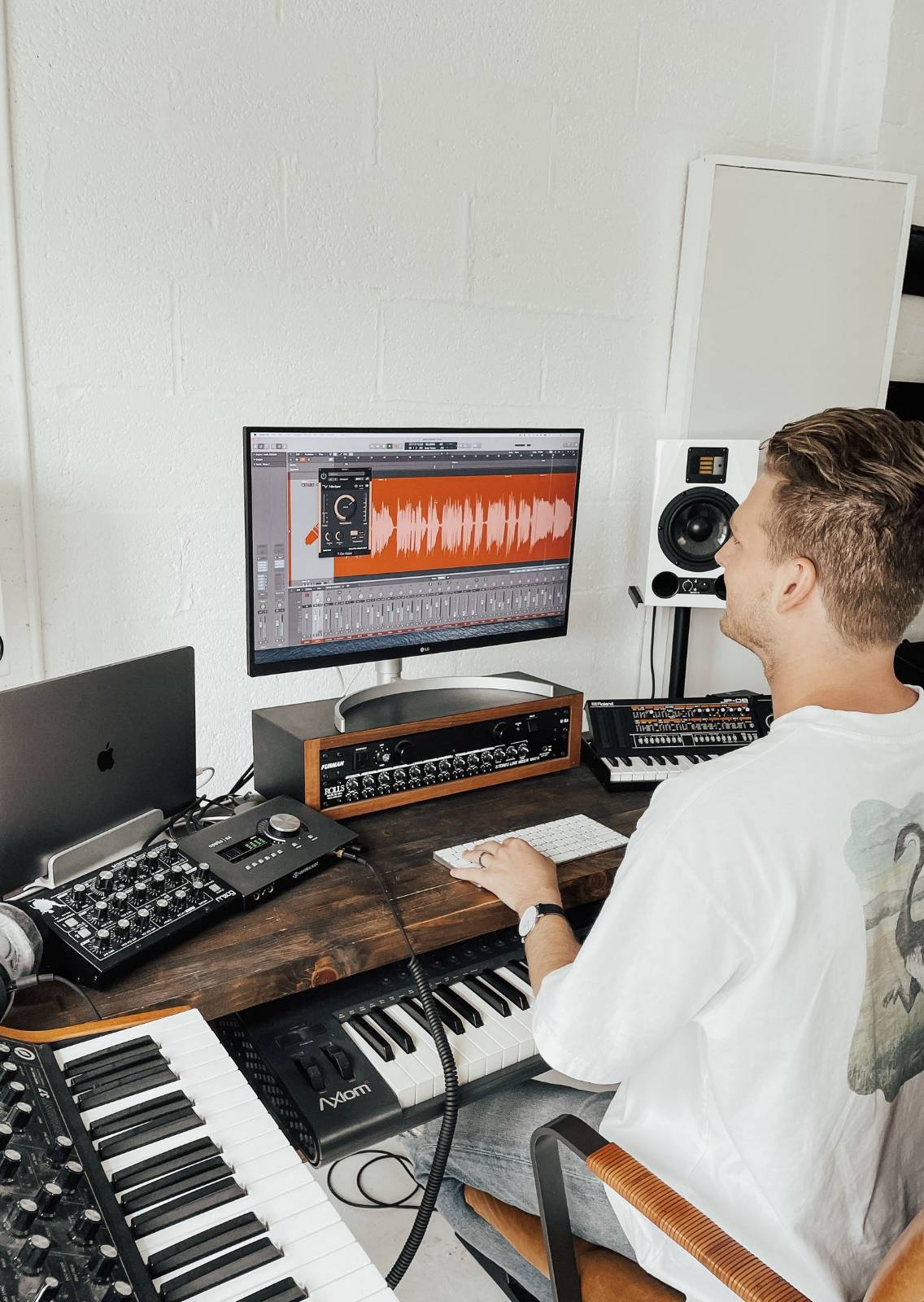 Photo: Techivation on Pexels
Waveform maker vs audio editor
Audio editors and DAWs also display waveforms, but they are built for editing sound, not for making images. You would need screenshots, which are low resolution and include interface clutter. A waveform maker gives you:
- A clean shape with no interface around it.
- Print resolution (an A4 export is 2480 x 3508 pixels).
- Vector output for unlimited scaling.
- Design controls: colours, gradients, text and layouts.
Tips for crisp waveform images
- Trim silence at both ends so the waveform fills the width.
- Normalise quiet audio first with the loudness normalizer, or raise Amplitude in the editor.
- Use fewer, wider bars for small prints; thin bars can blur at 8x10 and below.
- Prefer SVG for very large sizes or for laser cutting and vinyl plotting.
- Keep text out of the wave area so neither competes.
Settings cheat sheet
| Goal | Setting to change |
|---|---|
| Fewer, bolder bars | Raise Bar width and Gap |
| Rounded, friendly bars | Raise Roundness |
| Taller peaks | Raise Amplitude (lower it if peaks clip) |
| Calmer, less jagged shape | Raise Smoothing |
| Tilted or vertical wave | Rotation under Effects |
| Lift from the background | Turn Shadow on |
| Wave higher or lower on the page | Vertical position under Placement |
Every change is undoable with the undo and redo buttons, so experiment freely.
Uses beyond wall art
- Podcast cover art and quote cards. See the podcast quote guide.
- Album or single artwork.
- Phone wallpaper (1170 x 2532).
- Instagram post (1080 x 1350) and story (1080 x 1920) graphics.
- Engraving and tattoo references. See the soundwave tattoo guide.
FAQ
Is there a free audio waveform generator online? You can generate and preview a waveform image in Shimga for free. The clean, full-resolution file is paid, from $3.99 per design. See what is free.
Can I generate a waveform from a video? Yes. Extract the audio first with the video to audio tool, then load it into the waveform maker.
Can I get a transparent background? The editor exports PNG, JPG, SVG and PDF with the background you choose. If you need a cut-out, export SVG and remove the background shape in a vector editor.
How long can my audio be? There is no fixed limit on file length, but the waveform is clearest from about 5 to 40 seconds. Longer clips compress detail into the same width.
Does the waveform maker work on a phone? Yes. It runs in mobile browsers. Very large raster sizes may be capped for memory reasons; SVG is not.
Is a waveform generator the same as a tone generator? No. A tone generator plays a sound at a chosen frequency. A waveform generator, in this sense, draws a picture of a sound you already have.
Generate yours
Open the waveform maker, load a file and try the four classic looks above. For the full feature tour, read the complete sound wave art generator guide.
Last updated: October 2026