Turn a Voice Recording Into Personalised Artwork
Turn a Voice Recording Into Personalised Artwork
You can turn a voice recording or voicemail into personalised artwork in three ways: design it yourself with an online sound wave art generator, order a custom piece from a seller who designs it for you, or have a designer make it from your file. The do-it-yourself route is fastest and cheapest. In the Shimga editor you load the recording in your browser, pick the words that matter, add a name and date, and download a print-ready file from $3.99. Designing and previewing cost nothing.
The hardest part is usually getting the audio off the phone. This guide covers that first, then the design.
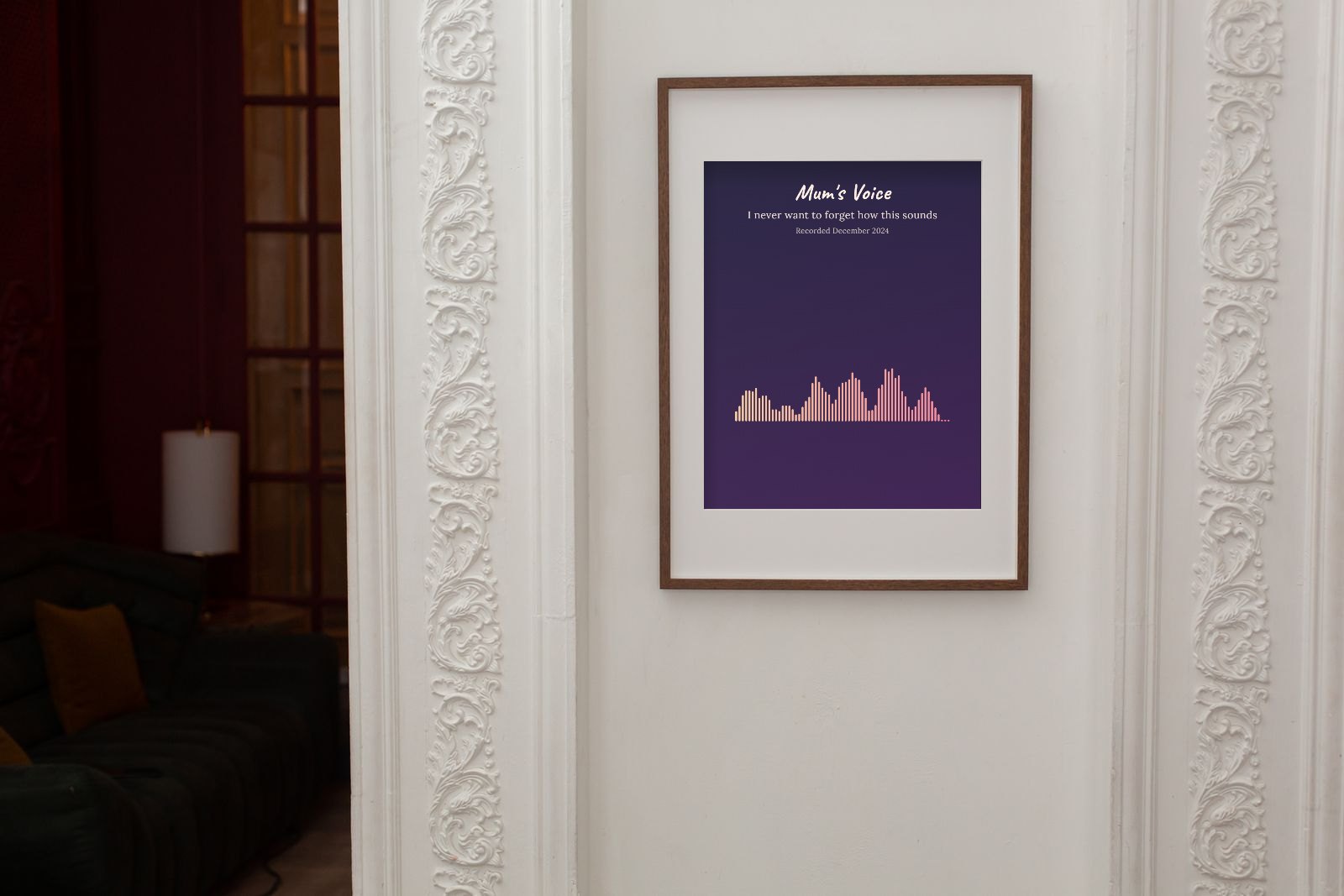 Photo: Monstera Production on Pexels. Voice wave art made in the Shimga editor from example audio and placed in the frame.
Key facts
- Best length: 5 to 30 seconds of clear speech; one sentence often works best.
- File types: M4A, MP3, WAV, OGG, AAC, FLAC. WhatsApp and Telegram voice notes (OGG/OPUS) open in many browsers; if not, convert first.
- Privacy: Shimga decodes the recording in your browser. It is never uploaded.
- Output: PNG, JPG, SVG or PDF at print sizes from A4 to 24x36 in, 300 DPI.
- Cost: free to design and preview; $3.99 for one clean download, $9.99 for three, $24 for ten.
- Back up the original before anything else. The print is a picture of the voice, not the voice itself.
Where can I turn a voice recording into artwork? Your options
| Option | How it works | Good for | Watch for |
|---|---|---|---|
| Online generator (e.g. Shimga) | You upload, design and download in minutes | Speed, control, low cost, privacy | You do the design (layouts help) |
| Custom order from a marketplace seller | You send the file and wording; the seller designs | People who want it done for them | Turnaround time, revisions, uploading personal audio |
| Graphic designer | Bespoke design from your brief | Unusual layouts, branding | Higher cost |
| Print-and-ship sites | Design online, they print and post | One-stop gifts | Print markup, shipping time |
If you want a printed product delivered, you can still design in Shimga and take the PDF or JPG to any local or online print shop.
Step 1: Save the recording from your phone
iPhone voicemail. In the Phone app, open Voicemail, tap the message, then the Share button, and save it to Files or send it to yourself. Not every carrier supports Visual Voicemail; if yours does not, play the message on speaker and record it with another device as a last resort.
Android voicemail. It depends on the phone and carrier. Many visual voicemail apps have a Save or Share option on each message. If not, ask your carrier whether voicemails can be exported.
Voice memos. Apple Voice Memos and Android recorder apps have a Share option that exports an M4A or similar file.
WhatsApp, Telegram, Signal. Long-press the voice note and choose Share, Forward or Save. Sending it to yourself by email is a reliable way to get the file onto a computer.
Video messages. Pull the sound out with the video to audio tool.
Do this soon if the recording matters. Carriers can delete old voicemails, and phones get lost. Store a copy in cloud storage and on a computer.
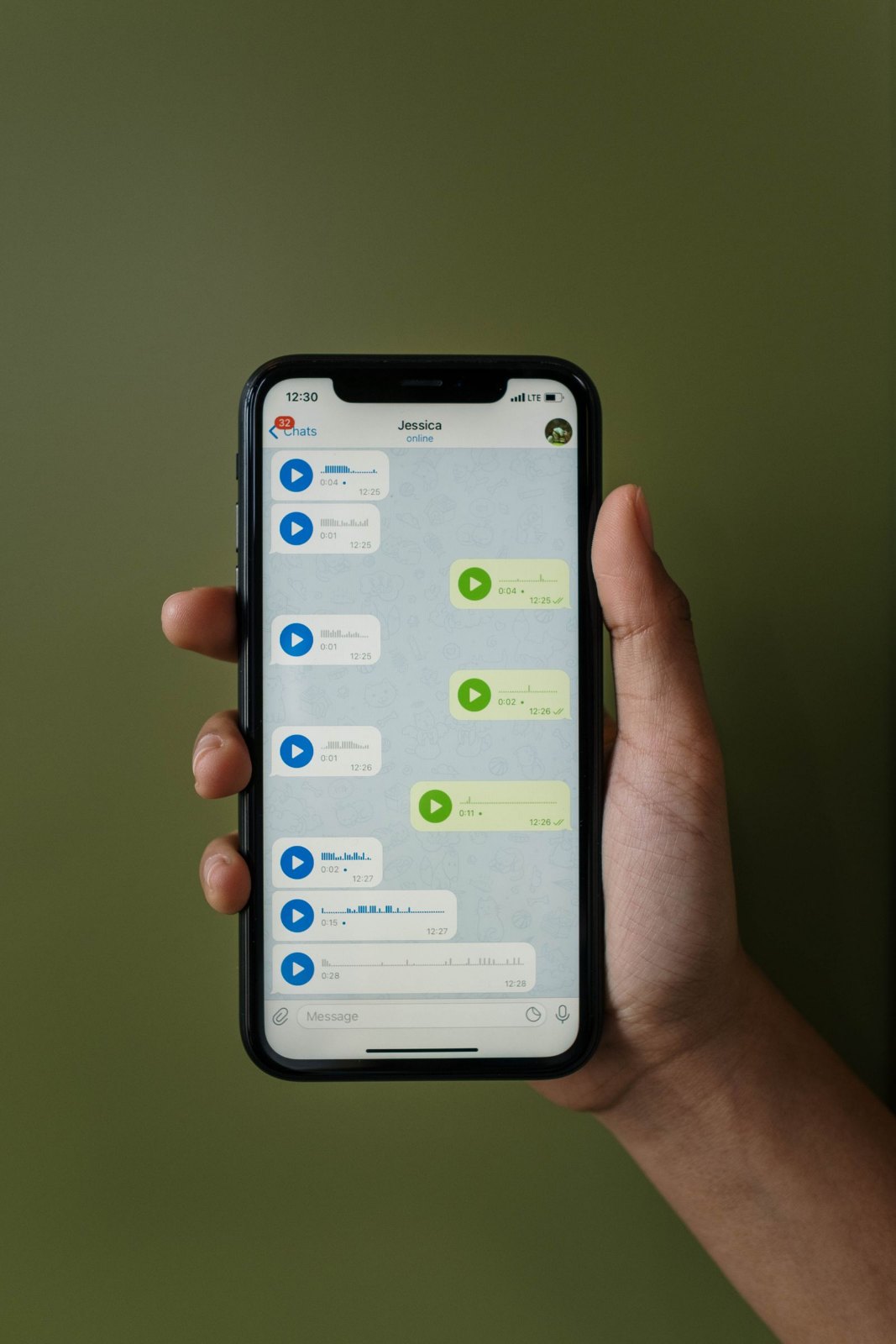 Photo: cottonbro studio on Pexels
Step 2: Choose the words that matter
A whole two-minute voicemail makes a crowded, unreadable shape. Choose:
- One sentence that captures the person: "Hi sweetheart, it's Mum, call me back."
- A name said out loud.
- A laugh. Laughter makes a dense, joyful cluster of peaks.
Avoid sections with TV, traffic or wind under the voice, as noise fills the gaps between words.
Step 3: Design it in Shimga
- Open the editor on your phone or computer.
- Tap Upload and choose the file, or Record to capture someone in the room.
- Drag Start and End around your sentence. Press Play segment to check.
- Open Layouts and try Voice of a loved one (warm sunset tones) or In loving memory (calm and quiet). Both set style, colours and text at once.
- On the Text tab, write a title (a name), a subtitle (the words that were said) and a date or line ("Voicemail, 2019").
- On Size, choose the frame size. 8x10 and A4 are easy to frame; 11x14 for a wall.
- Preview, then buy and download the clean PDF or JPG for printing, or PNG for sharing.
For more detail on voice prints, see the voice message guide and sound wave art from a voice message.
Wording ideas
- Mum / "Don't forget your coat" / Voicemail, March 2021
- Grandad's laugh / Christmas 2018
- Her first word / "Dada" / 14 months
- Forever in our hearts / Robert, 1948 to 2024
- Call me when you land / Dad, every single trip
Who to make it for
- A parent or grandparent, for the rest of the family. Make one design and order copies.
- A partner, from a voice note for an anniversary.
- Grandparents, from a child's recorded greeting.
- Someone grieving. The memorial guide covers this with care.
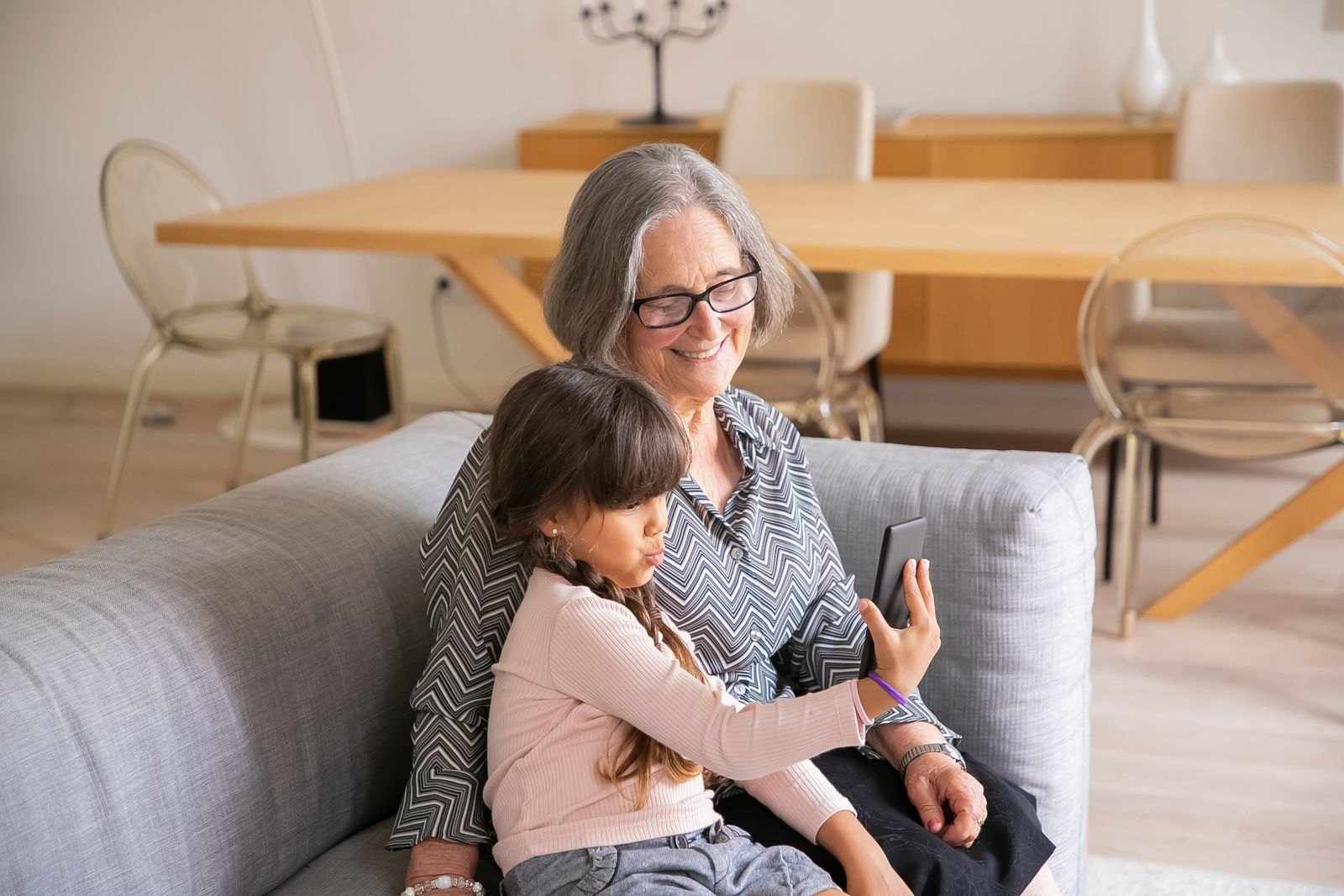 Photo: Kampus Production on Pexels
Print tips for voice artwork
- Matte or satin paper. Fine lines disappear under gloss glare.
- Soft, deep colours. Slate, navy, warm grey or dusty rose print well.
- A mat in the frame gives a small print presence.
- Order one proof before printing several copies.
See best sizes for sound wave prints for a full size table.
FAQ
Where can I find custom soundwave art from a song or voicemail? You can make it yourself online in minutes with a generator like Shimga, or order a custom design from a marketplace seller or designer. Making it yourself is quicker and keeps the recording on your own device.
Can I turn an old voicemail into art if I only have it on an old phone? Yes, if you can export or play it. Try the share or save option first. As a last resort, play it on speaker in a quiet room and record it on another device.
Is the recording uploaded when I use the Shimga editor? No. The audio is decoded in your browser to draw the wave and is not uploaded.
How much does it cost? Designing and previewing are free. A clean download is $3.99 for one design, or $9.99 for three if you want copies with different wording for family members.
What if the voice is very quiet? Raise Amplitude in the Wave tab, or normalise it first with the loudness normalizer.
Can I add a QR code that plays the voice? Not in the Shimga editor today. You can add the person's name, the words and a date.
Start with the recording
Save the file somewhere safe, then open the sound wave art generator and try the "Voice of a loved one" layout.
Last updated: October 2026