How to Make Sound Wave Art From a Voice Message
How to Make Sound Wave Art From a Voice Message
To make sound wave art from a voice message, save the recording as an audio file, load it into a sound wave art generator, select the five to thirty seconds that matter, choose a style and add a few words, then download a print file. In the Shimga editor the whole process happens in your browser, and the audio is never uploaded. Designing and previewing are free; a clean, print-ready download costs $3.99.
Some of the most valuable recordings we own are tiny: a ten-second voicemail from a parent, a toddler's first word, a partner reading a line they wrote. Turning one into a print gives it a second life on the wall.
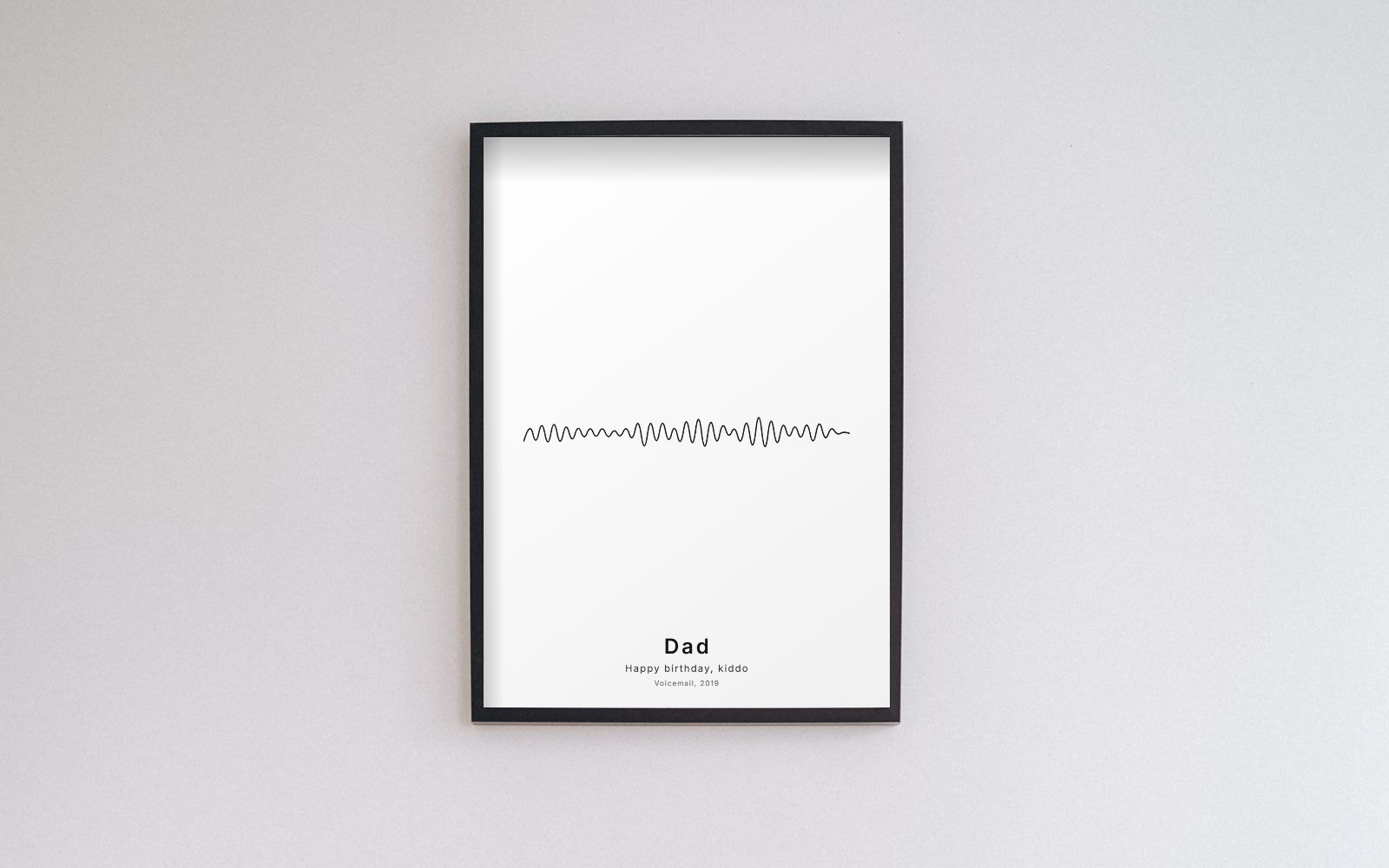 Photo: PNW Production on Pexels. Voice wave art made in the Shimga editor from example audio and placed in the frame.
Key facts
- Ideal length: 5 to 30 seconds; one sentence or a name is often enough.
- Common formats: M4A (iPhone voice memos), OGG/OPUS (WhatsApp, Telegram), MP3, WAV, AAC, FLAC.
- Privacy: Shimga decodes the file in your browser; it is not uploaded.
- Best styles for speech: Bars, Line, Classic minimal, Mirrored.
- Print sizes: A4 to 24x36 in at 300 DPI, plus square and digital sizes.
- Cost: free to design and preview; clean downloads $3.99 each, $9.99 for three.
- Back up the original first. The print is a picture of the voice, not the voice.
What sound wave art shows
A microphone measures air pressure thousands of times per second. Zoomed out, those measurements become an outline of loudness over time: loud moments are tall, quiet moments are short, silence is flat. Speech has a recognisable pattern of bursts (syllables), small gaps (between words) and longer pauses (between sentences). Laughter makes a dense cluster of peaks. Nobody else's message has the same shape. For the science, see what a waveform is in sound.
Step 1: Get the audio file
- Voice memo apps. Open the recording, tap Share, and save it to Files or email it to yourself.
- WhatsApp, Telegram, Signal. Long-press the voice note and choose Share, Forward or Save. Some apps save OPUS or OGG files; many browsers open them. If yours does not, convert to MP3 or WAV first.
- Voicemail. On iPhone, open the voicemail in the Phone app and tap Share. On Android, many voicemail apps have Save or Share. Carriers can delete old messages, so save important ones soon.
- Video messages. Extract the sound with the video to audio tool.
- Record something new. If you still can, ask. A few sentences in a quiet room, close to the phone, gives a much cleaner result than an old accidental clip. You can record straight into the editor.
The voice recording to personalised artwork guide covers more phones and apps.
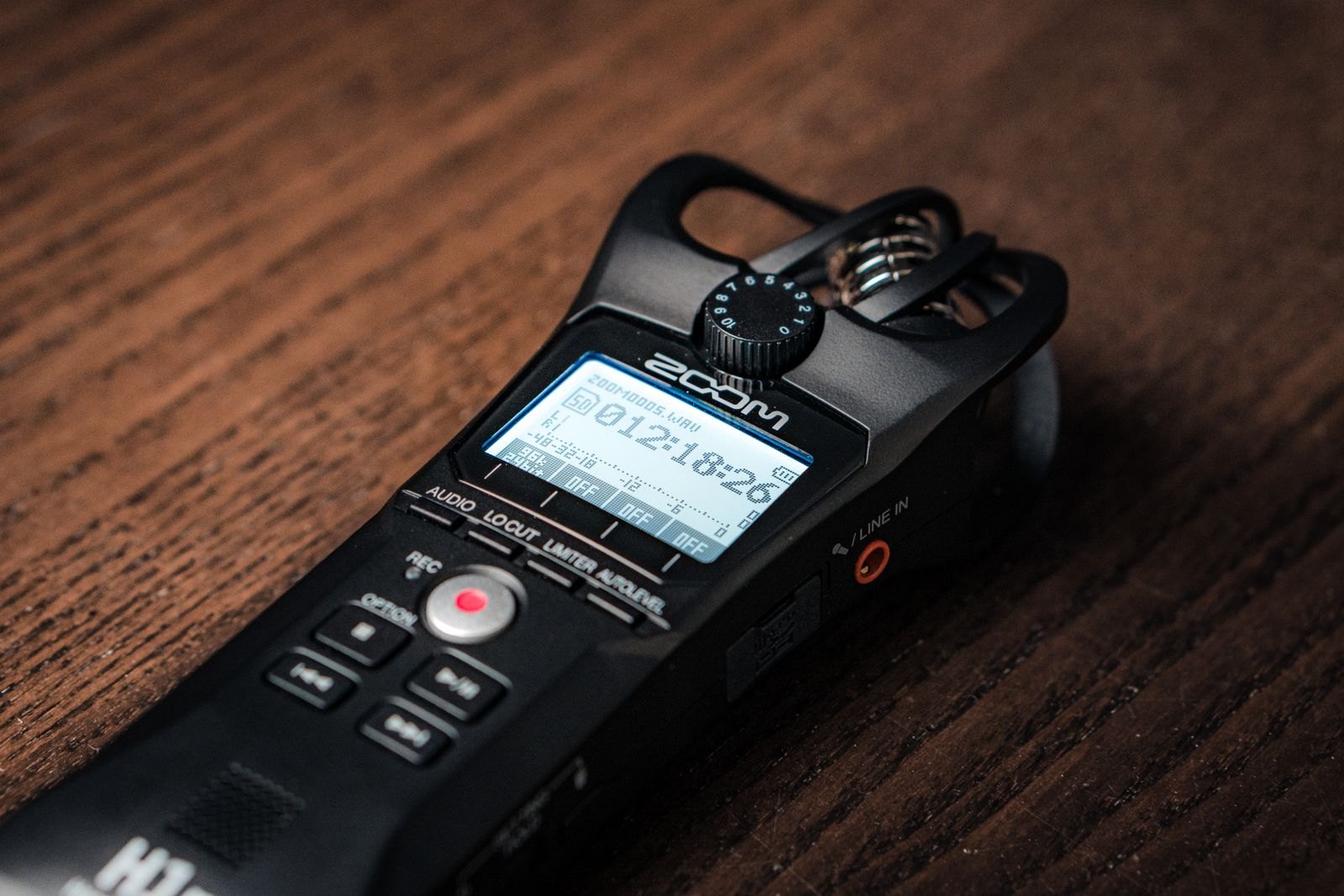 Photo: dlxmedia.hu on Pexels
Step 2: Pick the best seconds
- Choose the line you would put on the wall: a name, "I love you", a catchphrase.
- Avoid background noise. A TV or traffic fills the quiet gaps with small bars.
- Leave a breath of silence at each end so the shape feels framed.
- Trim if needed with the audio trimmer, or simply use the Start and End sliders in the editor.
Step 3: Design it in the Shimga editor
- Open /sound-wave-art-generator/create.
- Tap Upload (or Record) on the Audio tab.
- Drag Start and End around your words and press Play segment to check.
- Open Layouts and try Voice of a loved one (warm sunset tones), In loving memory (calm and quiet) or Minimal line (black line on white).
- On the Wave tab, switch style if you like. Raise Amplitude for a quiet recording; add Smoothing for a noisy one.
- On Text, set the title, subtitle and date line. Choose from 12 fonts.
- On Size, pick your frame and orientation.
- Preview, then download the clean PDF or JPG for printing, or PNG for sharing.
Choosing a style for speech
| Style | Feel | Best for |
|---|---|---|
| Mirrored bars | Clear and bold | Any message, any colour |
| Bars (one-sided) | Sits neatly above text | Quotes and names |
| Line | Elegant, quiet | Sentimental or memorial messages |
| Circle or Heart | Compact, symbolic | A single word or a laugh in a square frame |
For a message from someone you miss, slate, deep blue or warm grey feels calm. For a funny birthday message, brighter colours are fine. Two colours are almost always enough.
Step 4: Add the words
Keep it short. The waveform is the picture.
- The name and the year: Dad, Christmas 2019.
- What was said, in the speaker's own words, set small.
- A context line: Her first word or The last voicemail.
Step 5: Print at the right size
- 5x7 or 8x10 in for a desk or shelf; 8x10 is the easiest to frame.
- A4 or 11x14 in for a wall.
- Landscape suits a long horizontal wave; portrait suits a wave with text underneath.
- Matte or satin paper. Gloss can hide thin lines.
- A mat inside the frame gives the wave room to breathe.
See best sizes for sound wave prints for exact pixel sizes.
Who to make it for
- A grandparent's voice, for the whole family.
- A partner's voice note for an anniversary.
- A child's greeting for grandparents.
- A group message from friends for a farewell.
- Someone who has passed away. The memorial guide covers this with more care.
Common problems
The file will not open. Convert it to MP3 or WAV, then try again. The wave looks flat. Raise Amplitude, choose a louder section, or use the loudness normalizer. It looks cluttered. The clip is too long. Trim it. I only have a video. Use the video to audio tool.
FAQ
Can I make sound wave art from a WhatsApp voice note? Yes. Share or save the voice note as a file, then upload it to the editor. Many browsers read WhatsApp's OPUS/OGG audio directly; if yours does not, convert it to MP3 first.
How long should the voice clip be? Five to thirty seconds. One clear sentence often looks best.
Is my voice message uploaded? No. The Shimga editor reads it in your browser to draw the wave.
Is it free? Designing and previewing are free. A clean, unwatermarked download costs $3.99, or $9.99 for three designs.
Can I hear the message from the print? The Shimga editor does not add QR codes or playback, so keep the original recording safe alongside the print.
What if there is background noise? Choose the quietest section and add a little Smoothing. Noise mostly affects the gaps between words.
Try it
Open the sound wave art generator, add your file and try a few styles. For more ideas, see the voice message guide.
Last updated: October 2026