Music Video Maker for Independent Musicians: Release Kit
Music Video Maker for Independent Musicians: Release Kit
For an independent musician, the most useful music video maker is one that turns a single finished song into every video a release needs: a full-length 16:9 visualizer for YouTube, vertical clips for Shorts, Reels and TikTok, a Spotify Canvas loop, and a square post. An audio-reactive visualizer does this without a camera or crew, because the visuals are generated from the song itself.
This guide gives you a release-week video kit, a production order that saves time, and the steps in Shimga, a browser-based studio with free standard exports and no watermark.
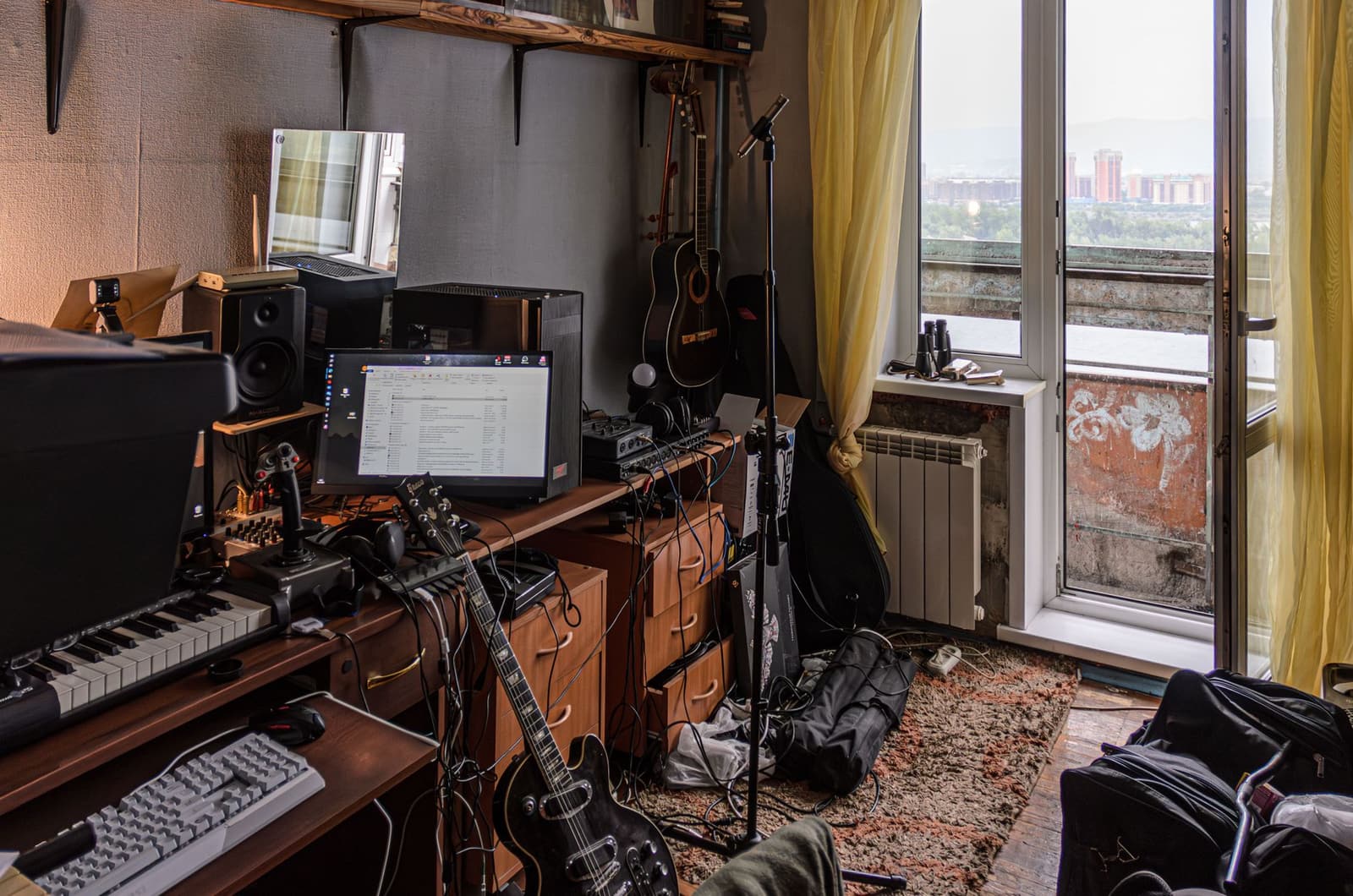 Photo: Radik 2707 on Pexels
Quick answer
- One song, five videos: YouTube visualizer (16:9), 2 to 3 vertical clips (9:16), Spotify Canvas (9:16, 3 to 8 seconds), square feed post (1:1).
- Build the main design once, then re-export it in each aspect ratio rather than starting over.
- Use your cover art as the anchor so every video looks like the same release.
- Cost: Shimga's standard exports up to 4K/60 fps and 5 minutes are free with no watermark and no account, as of October 2026. Pro ($5/month, $48/year or Lifetime) adds Pro elements, templates and longer videos.
- Time: once your template exists, each extra format is a few minutes.
The release-week video kit
| Video | Ratio | Length | Where it goes | Purpose |
|---|---|---|---|---|
| Visualizer (full song) | 16:9 | Full track | YouTube, website | The searchable "official audio" home |
| Hook clip | 9:16 | Best 15 to 30 s | Shorts, Reels, TikTok | Discovery |
| Second clip | 9:16 | Another section | Shorts, Reels, TikTok | A second shot at the algorithm |
| Spotify Canvas | 9:16 | 3 to 8 s loop | Spotify for Artists | Plays behind your track in Spotify |
| Square post | 1:1 | 15 to 60 s | Instagram feed, Facebook, X | Announcement |
| Pre-save teaser (optional) | 9:16 | 10 to 20 s | Stories | Pre-release hype |
Why visualizers suit independent artists
- No shoot to schedule. No location, crew or weather.
- The video matches the song. Every kick and drop is in the picture, because the audio drives it.
- Easy to repeat. One template can carry your look across a whole EP.
- Cheap to iterate. Don't like the colour? Change it and export again.
A visualizer will not replace a narrative music video for a big single. It makes sure every track has a good-looking video on day one. Our music video creation guide covers when a filmed video is worth it.
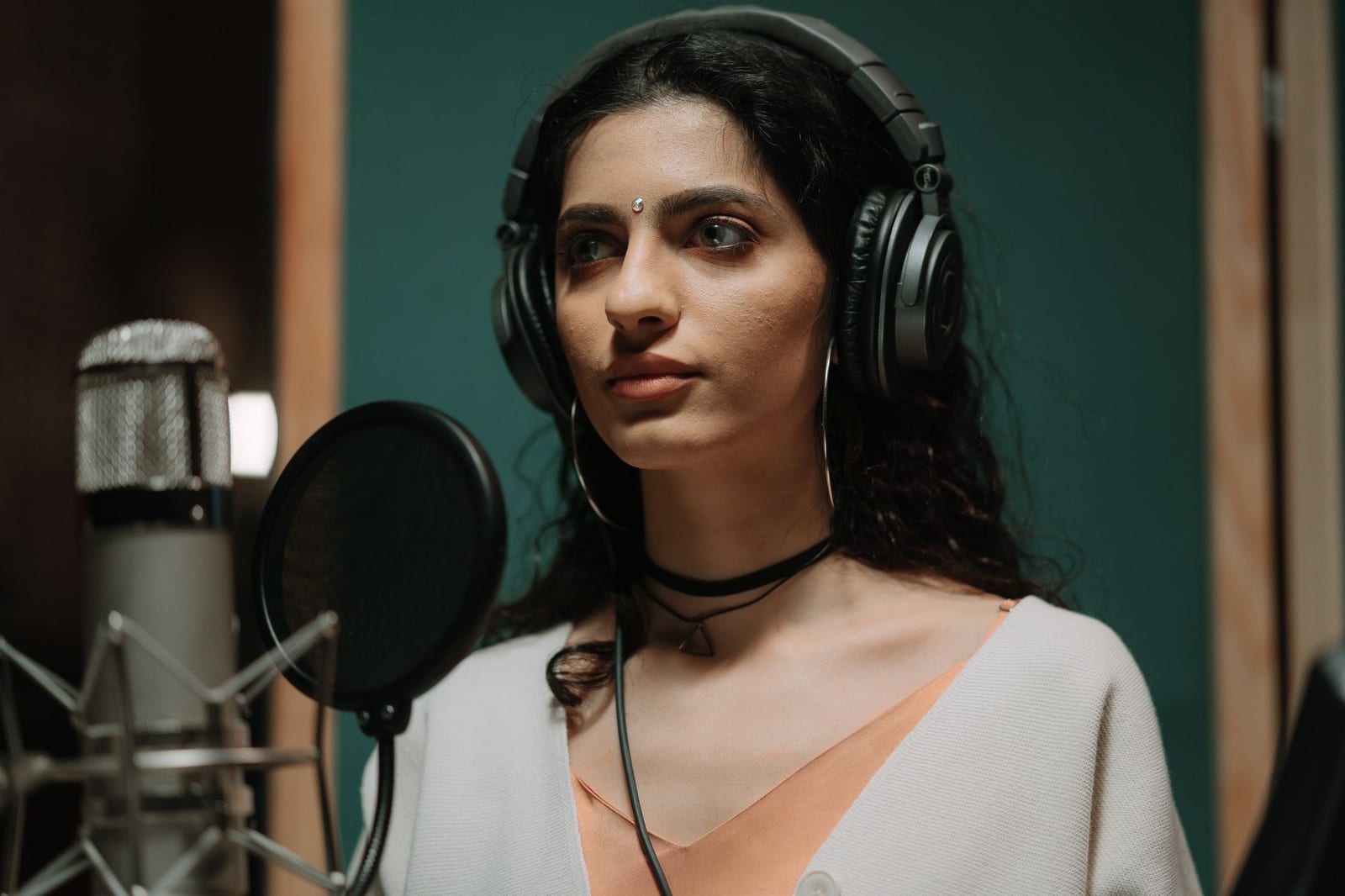 Photo: cottonbro studio on Pexels
Production order that saves time
- Design the 16:9 visualizer first. It is the biggest canvas, so you make every design decision here.
- Save it as a template so the look is reusable for the next single.
- Switch to 9:16 and adjust layout: move the title up, make the spectrum bigger, keep the bottom clear.
- Export clips from the strongest sections (chorus, drop, hook).
- Make the Canvas: a 3 to 8 second section that loops cleanly.
- Switch to 1:1 for the feed post.
How to make the kit in Shimga
- Open shimga.app/studio. Nothing to install.
- Pick a starting design from presets or Templates. There are 16 new templates; filter for your genre's energy.
- Add the master (WAV or high-bitrate MP3 recommended).
- Brand it: cover art, artist name, song title, logo. Add the Time element if you want a progress bar on the YouTube version.
- Tune reactivity: bass to scale, mids to the spectrum, highs to particles.
- Export 16:9 at 1080p or 4K for YouTube.
- Change the aspect ratio to 9:16, adjust, and export your clips and Canvas. Trim audio sections first with the free audio trimmer if needed.
- Change to 1:1 and export the feed post.
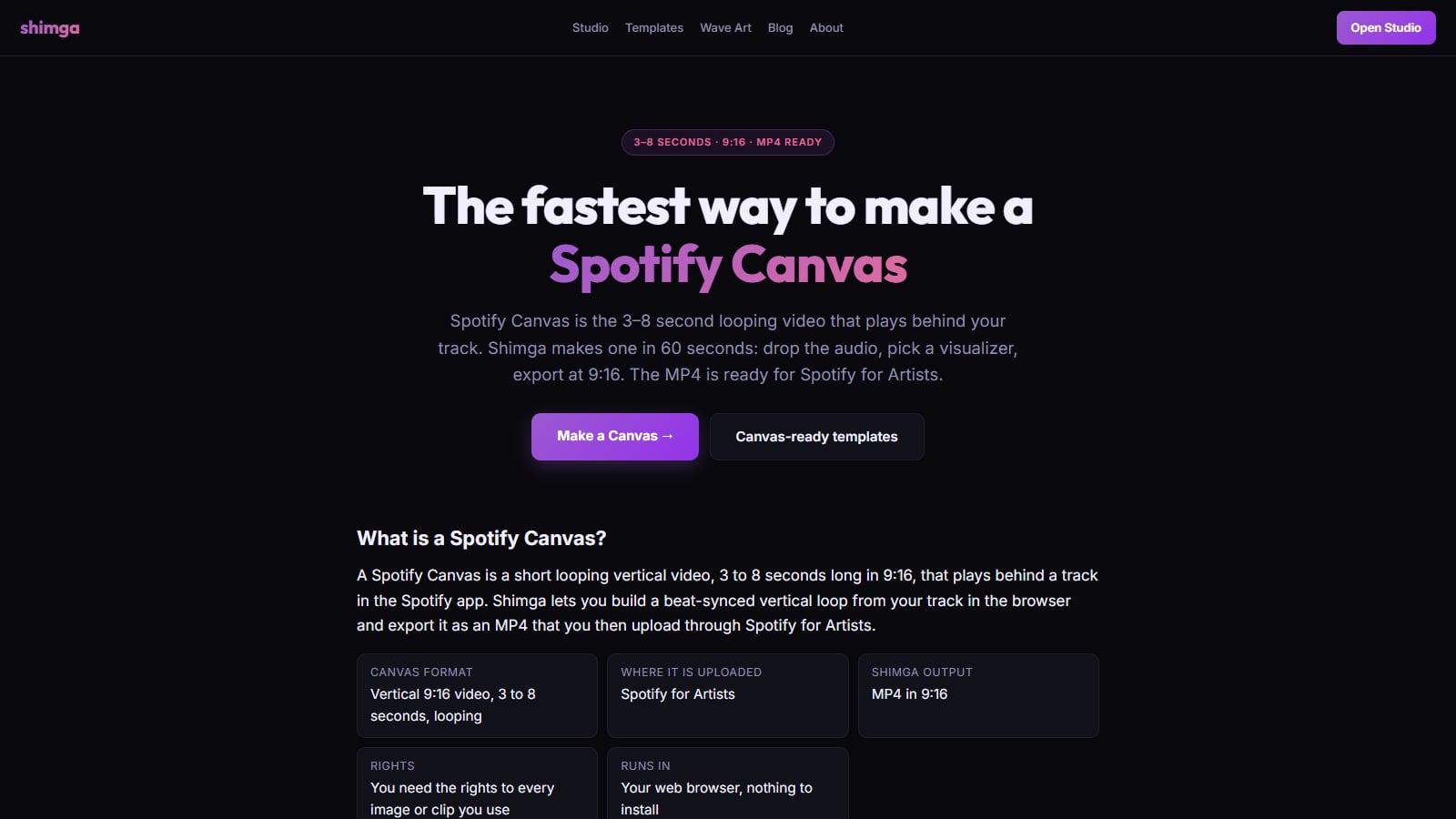 Screenshot: shimga.app/spotify-canvas-maker, October 2026
Can you recommend a music visualizer?
The honest answer: pick the one whose look you like and whose free tier covers your release. Things to check:
- No watermark on the formats you need.
- 1080p at least, ideally 4K for YouTube.
- 9:16 export that is laid out for vertical, not just cropped.
- Your own artwork and fonts supported.
- Length limits that fit your track.
We compare options in best free audio visualizer online and pricing: is Vizzy or Specterr free?.
What does "automated visualizer" mean?
An automated visualizer analyses the audio and moves the graphics for you, with no keyframing. That is how Shimga works: you pick the look, the song does the animation. If you want hand-placed moments on top (a title that appears on the drop), see keyframe animation for music visualizers.
Release checklist
- Final master exported
- Cover art at high resolution
- 16:9 visualizer uploaded to YouTube, scheduled for release day
- 2 to 3 vertical clips scheduled across release week
- Spotify Canvas uploaded in Spotify for Artists
- Square post ready for announcement
- Template saved for the next single
Common mistakes on release week
- Only posting once. One clip on release day is easy to miss. Spread several clips across the week.
- Different looks per platform. If the YouTube video, Canvas and Reels all look unrelated, fans do not connect them. Keep the cover art and colours consistent.
- Cropping instead of re-laying out. A 16:9 design cropped to vertical cuts off the title and spectrum. Adjust the layout for 9:16.
- Low-quality audio. Export from your master, not a compressed copy you downloaded from a streaming service.
FAQ
What is the best music video maker for independent musicians?
One that turns your song into several formats quickly and cheaply. A browser visualizer such as Shimga exports 16:9, 9:16 and 1:1 MP4s with no watermark, free up to 4K/60 fps and 5 minutes (as of October 2026).
What is the best audio reactive video generator for music?
Look for layered designs, beat-accurate reaction, your own branding and clean exports in every aspect ratio. Try two tools with the same song and keep the one that looks right for your genre.
Do I need an account to make a music video in Shimga?
No. Standard exports need no account. Sign in only to save templates to the cloud or buy Pro.
How long can my video be?
Up to 5 minutes on Shimga's free tier; longer videos need Pro.
Can I monetise visualizer videos on YouTube?
The visualizer does not stop monetisation; your rights to the music and artwork matter. See music visualizers vs static art on YouTube.
How do I make a Spotify Canvas from my visualizer?
Export a 3 to 8 second 9:16 loop and upload it in Spotify for Artists. Full steps: Spotify Canvas specs and steps.
Related reads
Last updated: October 2026.